Universe 2026: What’s Next with GitHub Next
Idan Gazit and Maggie Appleton present multiplayer agents, collaborative planning, and proof-driven development as new foundations for GitHub.


What could building software together look like in the agentic era? At Universe 2026, GitHub’s big annual developer conference, we shared three of our latest ideas that answer this question.
Ace brings multiplayer agentic sessions onto our own machines, so teammates can join a conversation and work with the same agents. By keeping the agents part of that conversation, we can keep them aligned with the decisions we make together.
With Chopin, we’re exploring real-time multiplayer planning with agents: a shared place to discuss ideas, compare prototypes, and turn decisions into a living plan. The Proof-Driven Development Kit is part of Chopin.
Nexthub takes that question into GitHub itself. We’re rethinking its foundations, from repositories and issues to pull requests and actions, to find better ways for humans and agents to work together.
Hello and welcome! We’re Idan Gazit and Maggie Appleton, and we both work at GitHub Next, GitHub’s labs team.
We’ve been at the forefront of agentic development since creating Copilot. Our job is not about the GitHub of today, or of tomorrow, but what GitHub might be next year. What should tools for creating software look like? What might GitHub be, without being too concerned with what it is today?
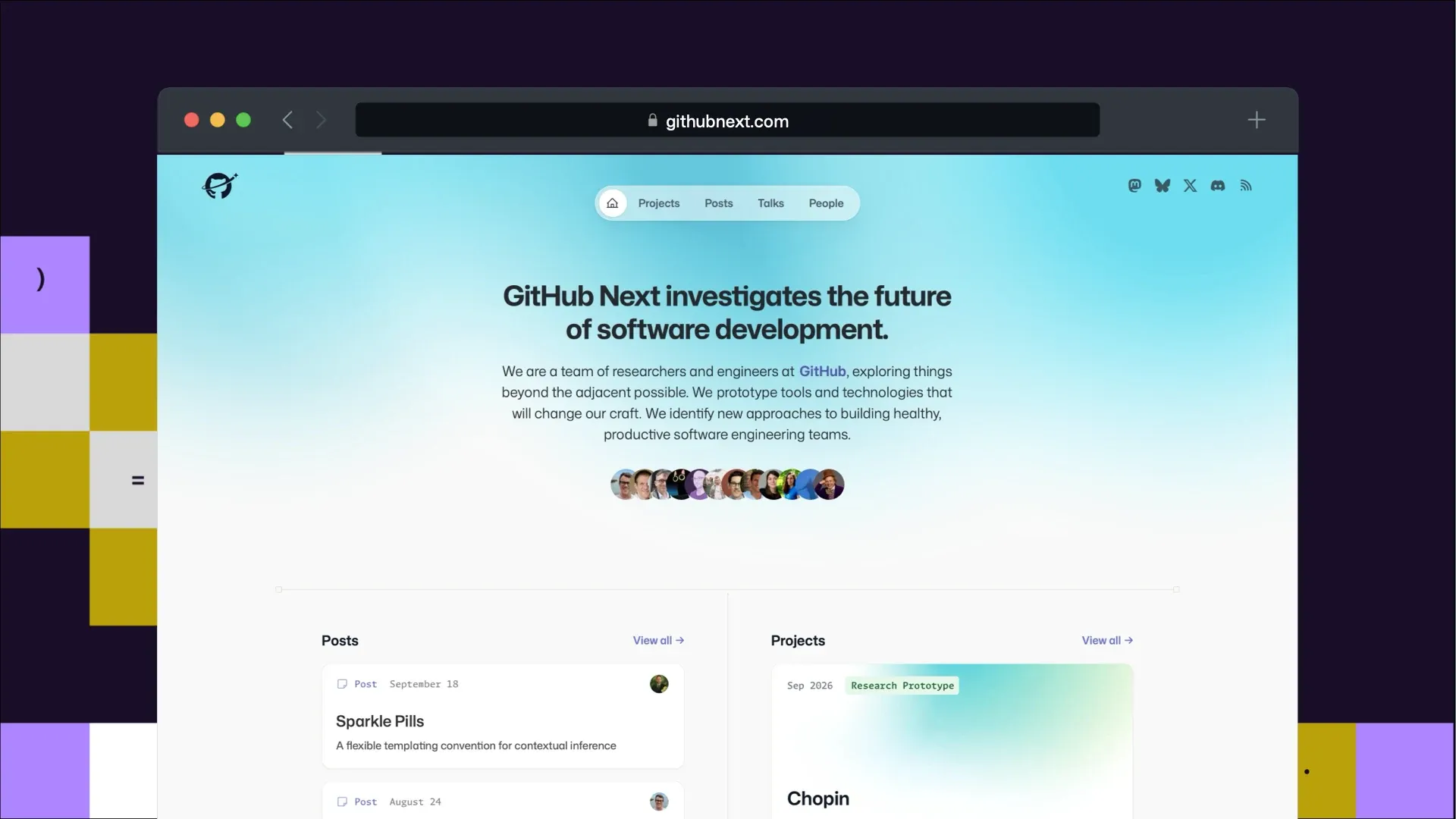
We do most of our work in the open, and you can see a lot of it happen on githubnext.com. In fact, all but one of the demos we’re going to show off today are already published on our GitHub.

We do this because we’re the concept car team. Copilot was not a practical, safe bet. Agentic development was not obvious when everyone was still doing completions. Automations were not an obvious next step after agentic parallelism. Every one of these started out life as a wild idea, an ugly demo that we use to imagine a more beautiful future for everyone involved in making software.
And what guides our team is usually thematic. The tech is changing rapidly, what we can do with it changes rapidly, so what’s durably good for developers is usually thematic. So we chase themes, and specifically, everything about automation and collaboration.
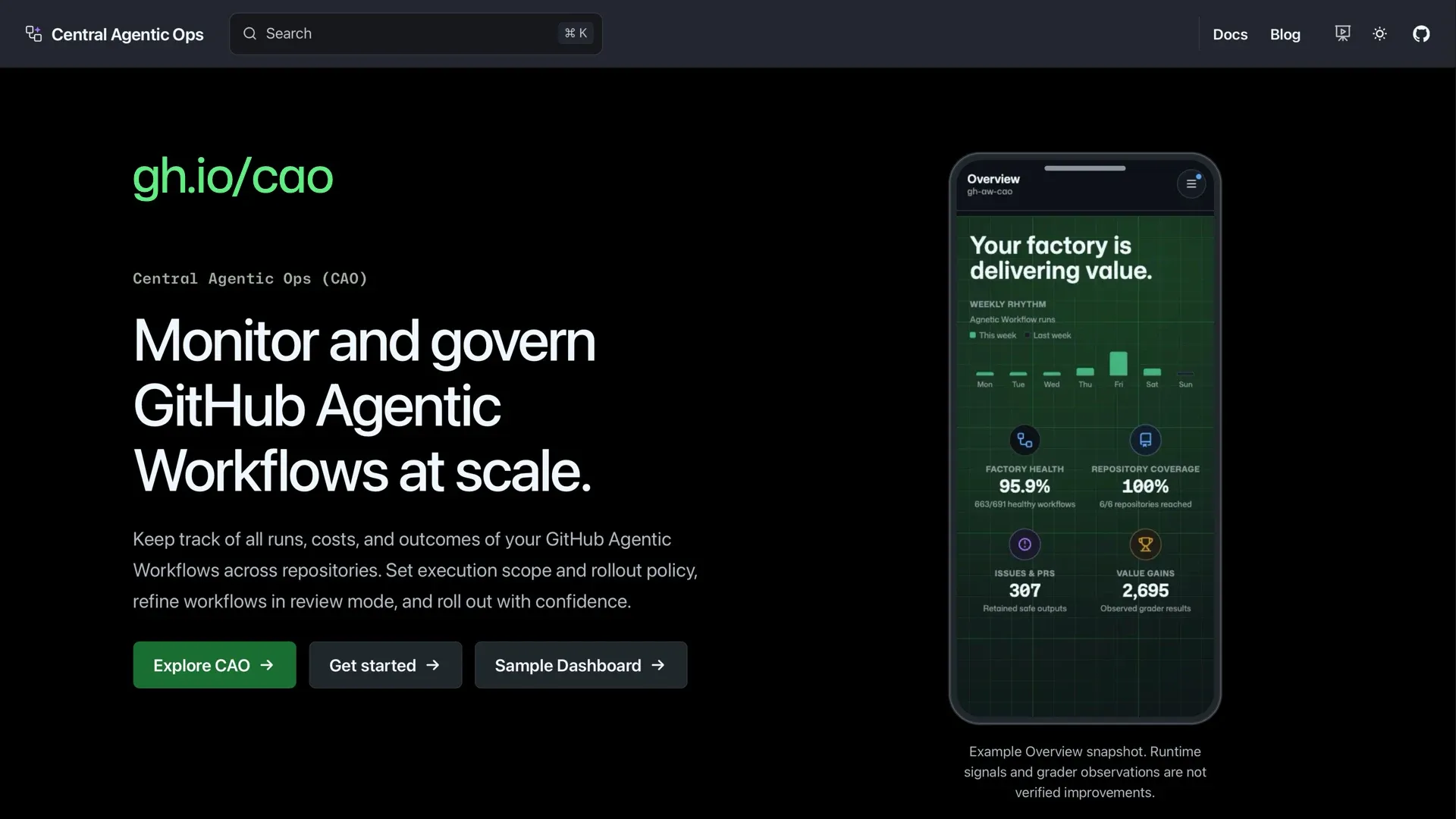
One of our bets last year was agentic workflows — an automation platform built on top of actions. In a world where we want to do more or to invest in craft and polish, the key constraint is time. There’s no magic tricks for that — either you hire more people or you automate away part of the work your team is already doing.
Agentic workflows made it easy to build powerful custom automations, this year it’s going GA! But we’re already reaching for more: how do we do automations at enterprise scale? Rolling out hundreds or thousands of automations to entire organizations, with central monitoring and governance.
We’re calling this Central Agentic Ops, and you can learn all about it at gh.io/cao.
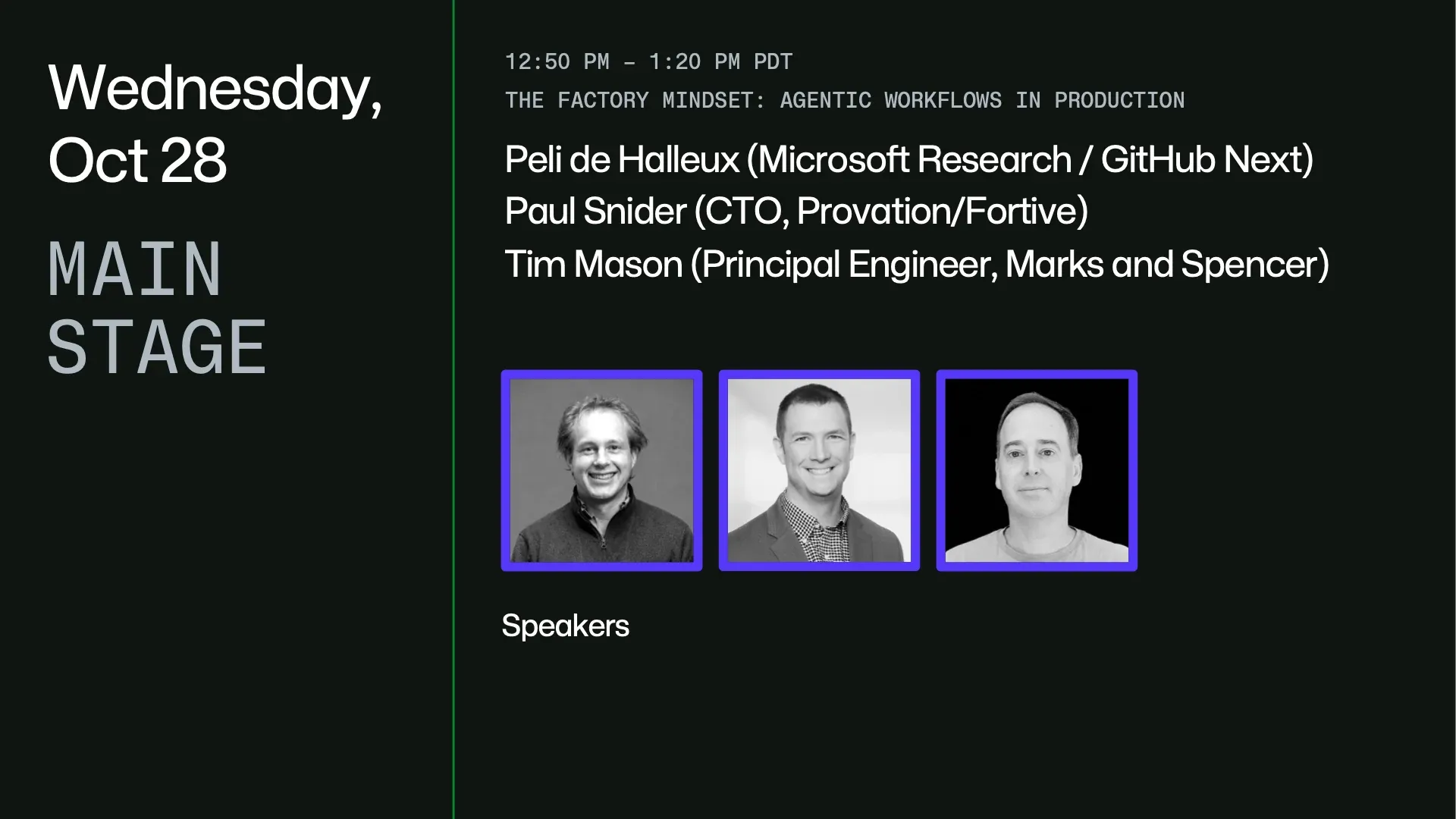
At Universe, Peli de Halleux joined Paul Snider and Tim Mason for “The factory mindset: Agentic workflows in production.” While that session focused on automation, this talk focuses on collaboration.
Multiplayer with Ace
Alright, so let’s talk about collaboration. AI can be magical, but nearly all the tools that I’ve seen lately have been about parallelizing myself. That’s great, but the point of GitHub is not about scaling just me into more me. It’s about scaling us.
And that’s even more important in a world where tools allow us to collaborate in real time. I don’t email documents around anymore. I collaborate in the same place where I do the creation. This has come for documents, this has come for design. The old tools were displaced by realtime multiplayer versions.
This is coming for code.
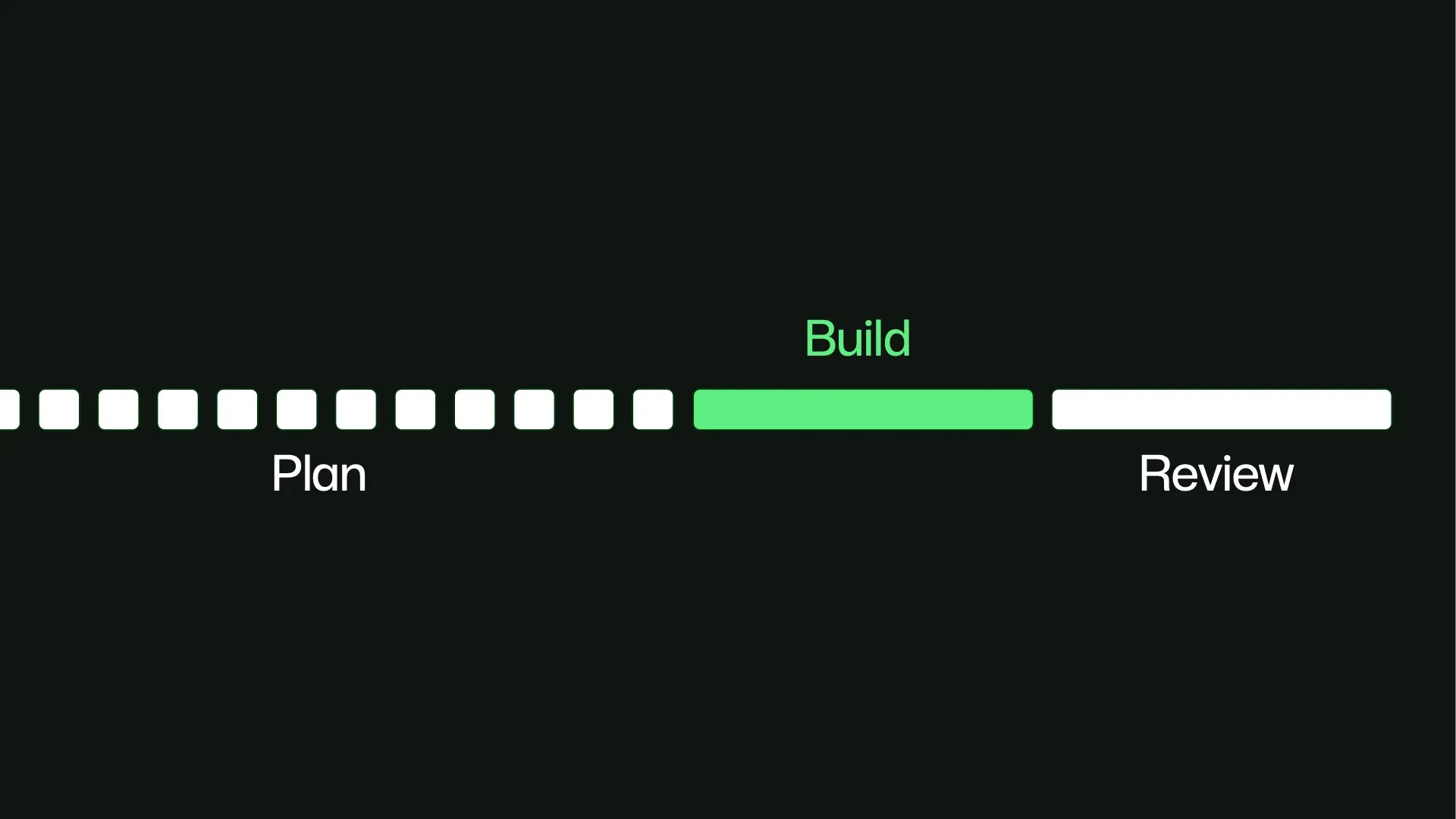
But it’s not just enough to take a text editor, add multiple cursors and call it a day. Making software is about a lot more than code. What’s the right way to do multiplayer in the agentic era? Before AI, software development involved a ton of planning, and then a long phase of building, and then a long phase of reviewing our code.
But in a world where the marginal cost of code is zero, the build phase is so much shorter, and we can do it ten times before breakfast, this doesn’t really make sense anymore.
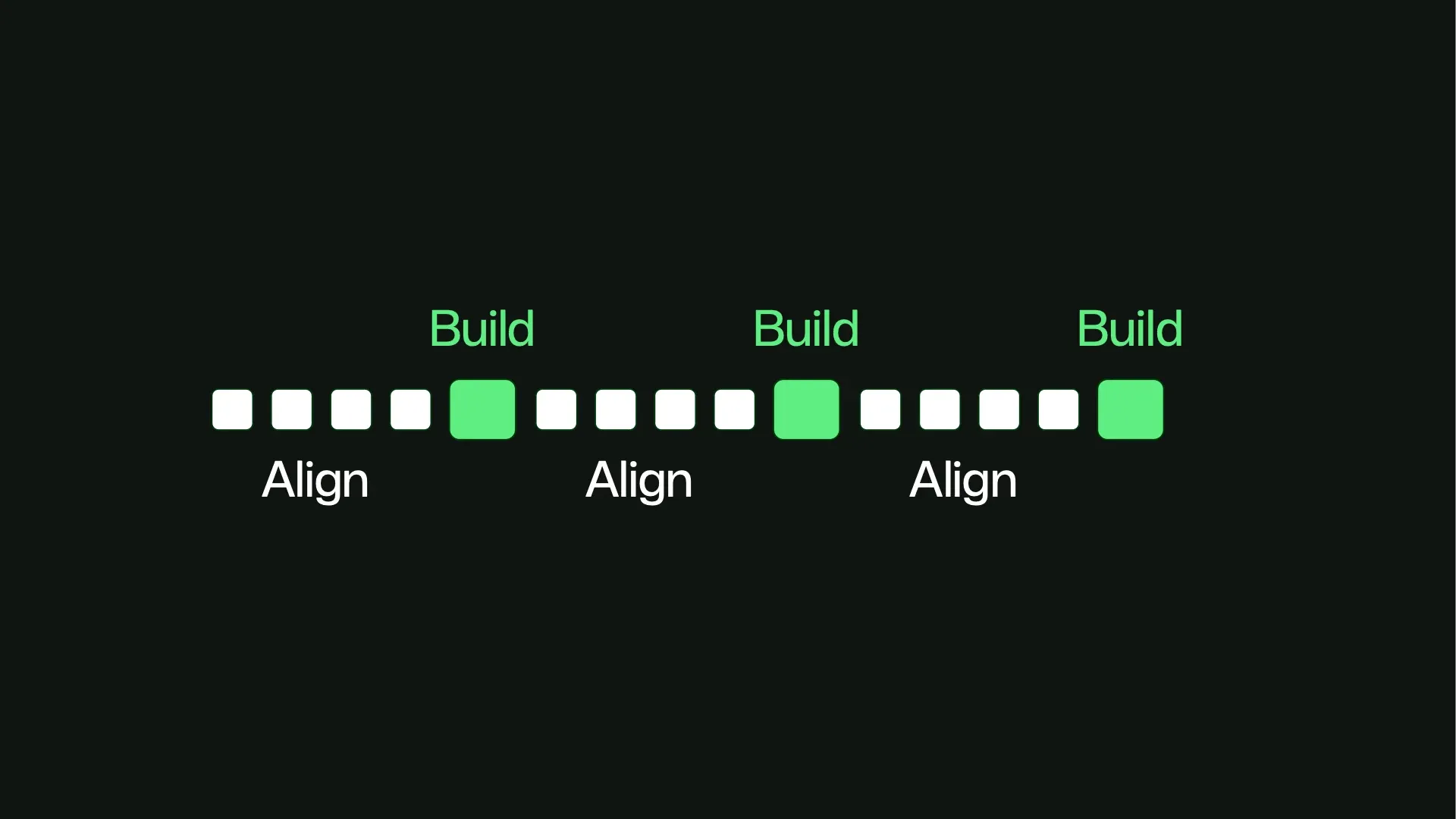
Most importantly, we can’t wait for the end of the process to find out if we’re building the right thing, and the building is broken down into more loops. And that alignment is both about humans and agents. Any fact that’s in code, the agents can get for me. All the other facts are things that only the humans know.
Company politics, unwritten rules, things that the humans know but agents don’t. What I need from my tools is to help me stay aligned with my fellow humans while we build. And in the process, to surface those non-code facts where agents can see them, so the agents stay aligned with us.
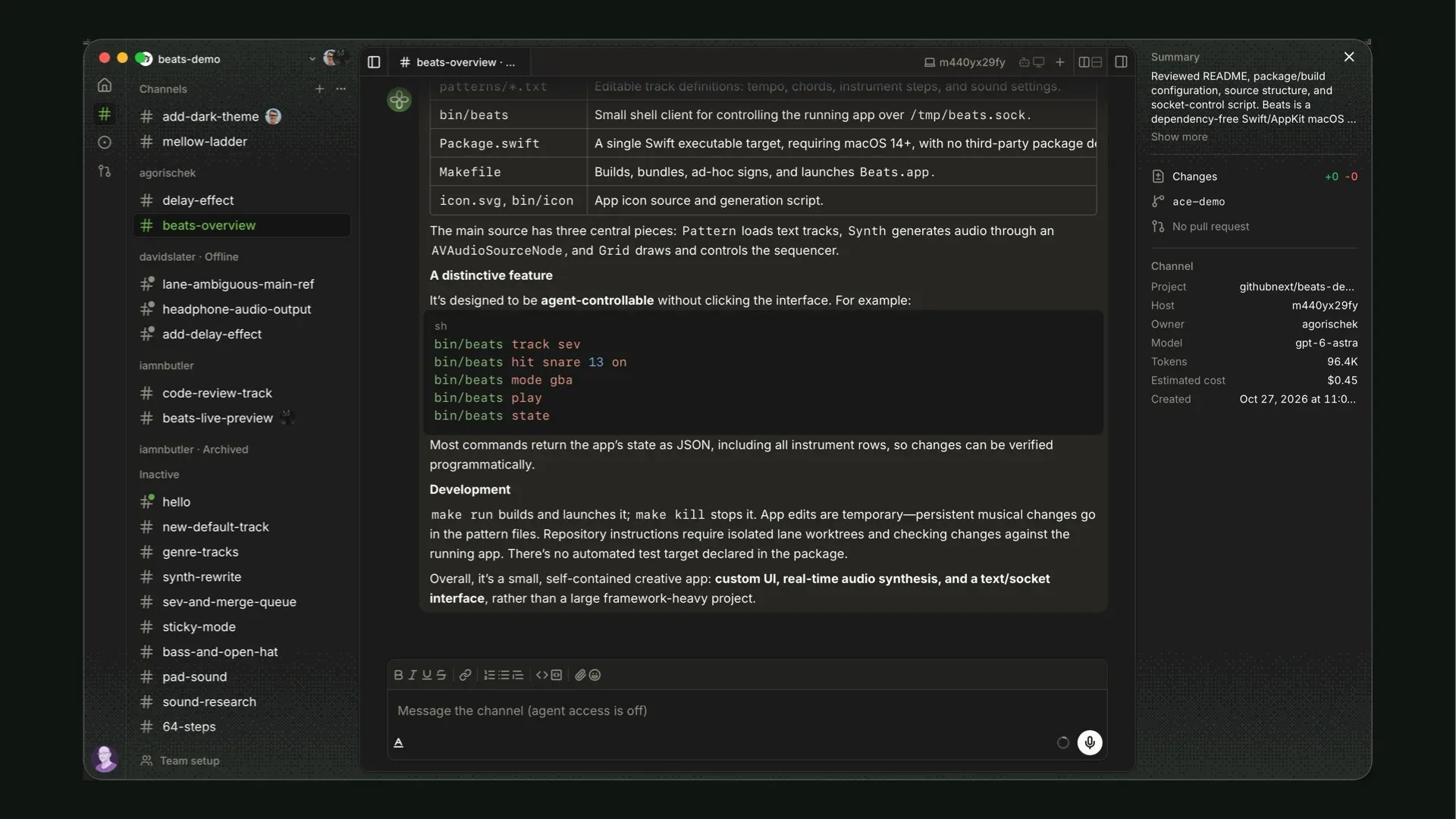
We originally built Ace a year ago, as a cloud-based service which looked and worked a little like Slack, where every channel is an agentic session, and the agent is always paying attention to the human conversation, so it can be aware of all the facts that the humans know. In fact, the cloud sandboxes that we made for Ace have escaped the concept car, and they’re what’s powering Copilot cloud sandboxes today.
The cloud approach has one key drawback though: cloud sandboxes are not our machines. They don’t have all the local tools, there’s no computer use agents, and while it’s fine for web development, there’s a ton of other kinds of software that is hard to preview from the cloud. I can’t easily program a microcontroller on my desk from the cloud.
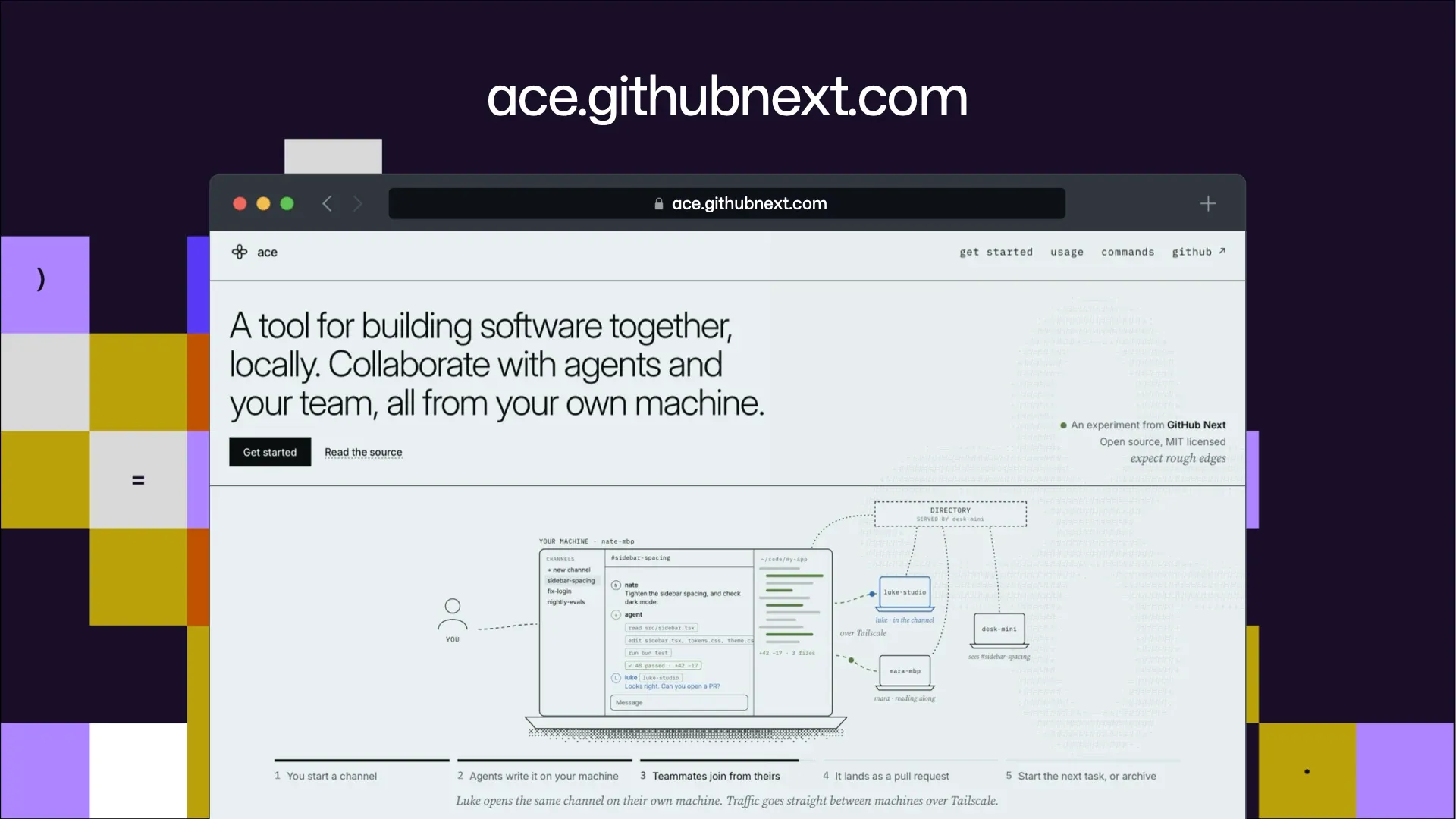
I can’t test a native Mac app in the cloud. So we went back to the drawing board. How could we make this local-first, so anyone could run it for themselves, but still allow me to invite my team to work with me in realtime? And that’s Ace 2 in a nutshell. A much simpler multiplayer tool for writing software together.
The demo could not be played. Try the video controls or download the demo.
Here I have a session I created to figure out dark mode for our synthesizer app. It’s a session I started on my machine. Alex and David jumped into my session to help brainstorm some directions, and once the humans got on the same page, my collaborators can work with my agent just like I can.
But because that entire conversation is where the agents can see it, we didn’t need to restate the instructions for the agent. David just told Ace to “do it” and Ace can figure out what “it” is from the chat history. This was a pretty trivial decision, but in a longer conversation that has a lot of decisions, keeping track of our intent is a big deal.
The demo could not be played. Try the video controls or download the demo.
Now David is asking me something in another channel, so I am gonna join it. I didn’t need to stash my work, clone a repo, checkout a branch, because it’s already running on his machine. Ace lets him share that environment with me. But before I can answer his question, I need to catch up.
And when I’m doing fifteen things in parallel, I’m doing that catching up a lot. Instead of reading a long backscroll, every channel in Ace gets an evergreen summary at the top-right, so whatever I jump into, I can quickly get up to speed.
The demo could not be played. Try the video controls or download the demo.
Once I’m caught up, I’m ready to be helpful. I can look at the current state of the feature that David’s working on, and make a call on how to proceed. So I can join other people’s work and drive agents, and they can join my channels and drive mine. And all of this is for a native macOS app written in Swift, which I couldn’t deploy to the cloud.
In cloud Ace, the sessions were not mine and not yours, they were ours. But they also had less risk. They were running in sandboxes, not on our machines which are full of secrets and keys. With local Ace, those sessions are running on your machine. Anyone you invite to collaborate with you is getting a shell on your machine, so it’s important that you only do this with people you trust.
Don’t expose Ace to the public internet; use Tailscale or something similar to work together over a VPN. But having said all the scary security things, we’ve open sourced this experiment and you can play with it for yourselves, so go check it out at ace.githubnext.com.
Planning with Chopin
One piece we thought was promising inside Ace was how it felt to do real-time, multiplayer planning with agents. So we decided to pull this out into its own exploration and develop it.
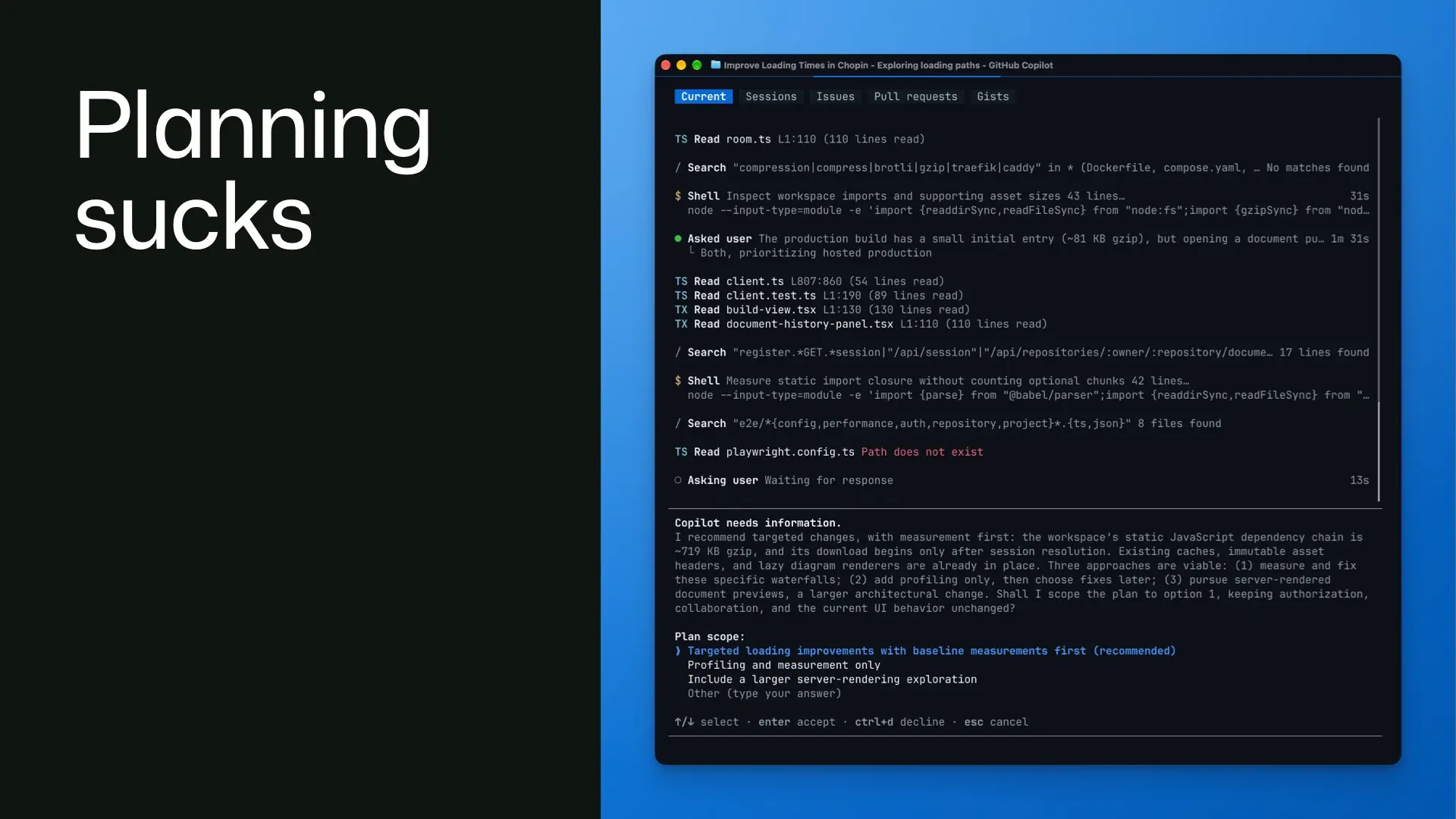
This felt like a compelling research avenue because the default way we currently plan with agents sucks. It’s usually you and your agents, alone in your CLI or desktop app, which is a poor environment for collaborative problem-solving.
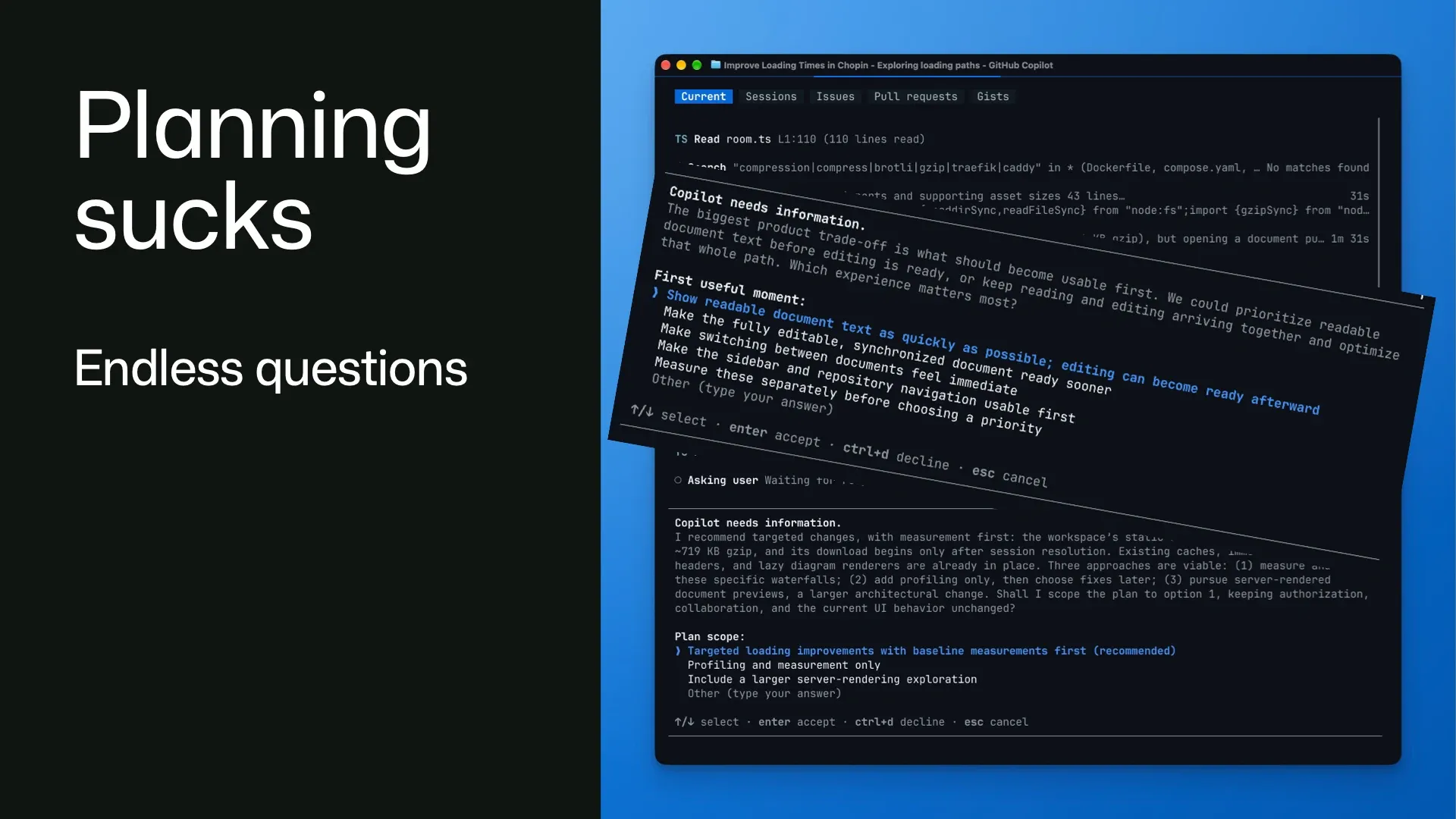
We have all been brainwashed by the “grill me” skill to think that if we just get agents to ask us 40 multiple-choice questions, that will somehow resolve all the complexities of whatever feature we’re trying to build.
But a tiny text box in a CLI is a really bad environment for deep thinking and comprehensive research.
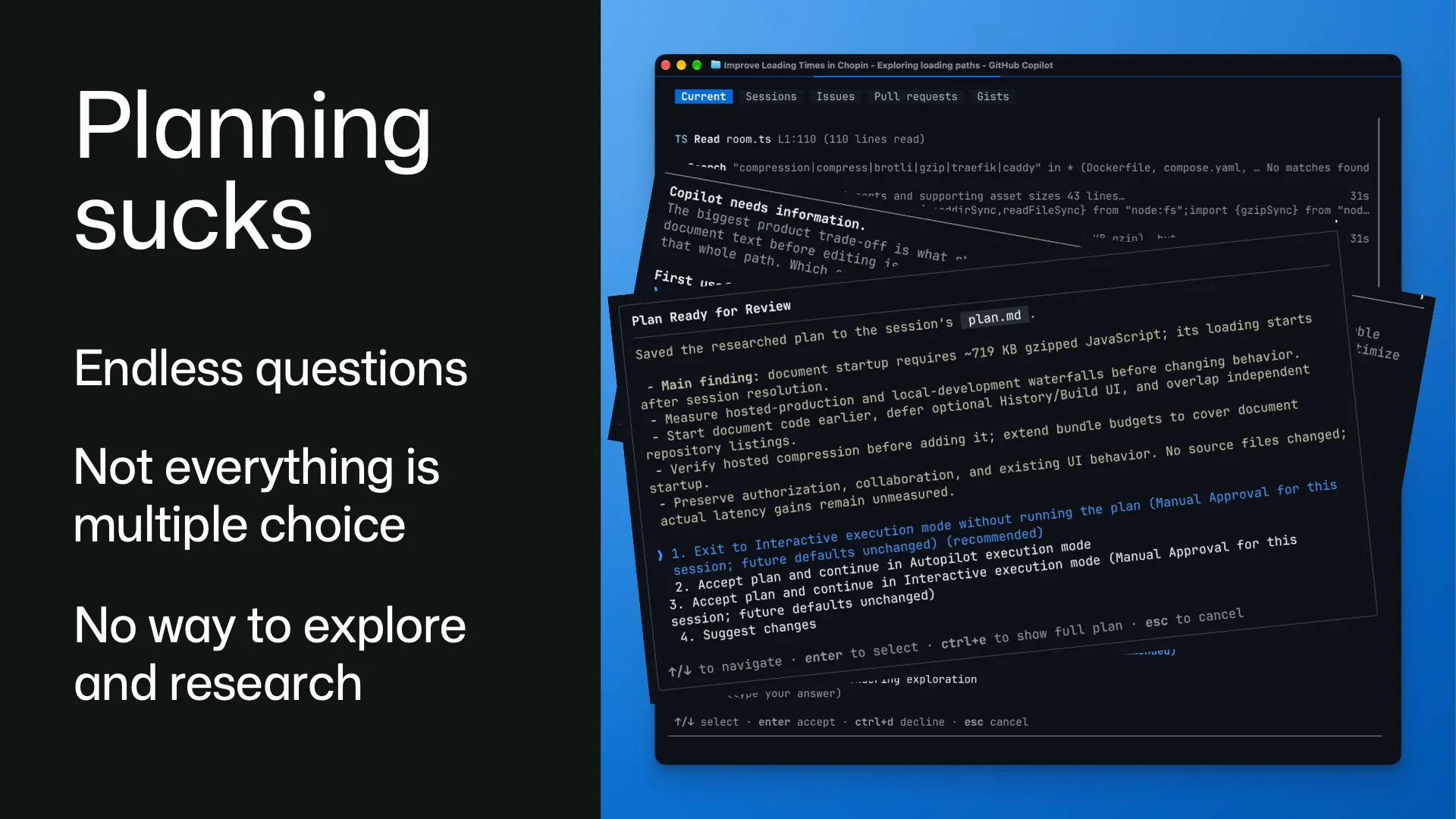
It’s not a medium that allows me to explore any of these questions in depth, or consider more than three possible options.
Inevitably, somewhere around question six of the grilling session, we all get tired and just start picking option A, the recommended choice. This ends up being vibes-based decision-making, where we inadvertently give up control and authorship over our creations.
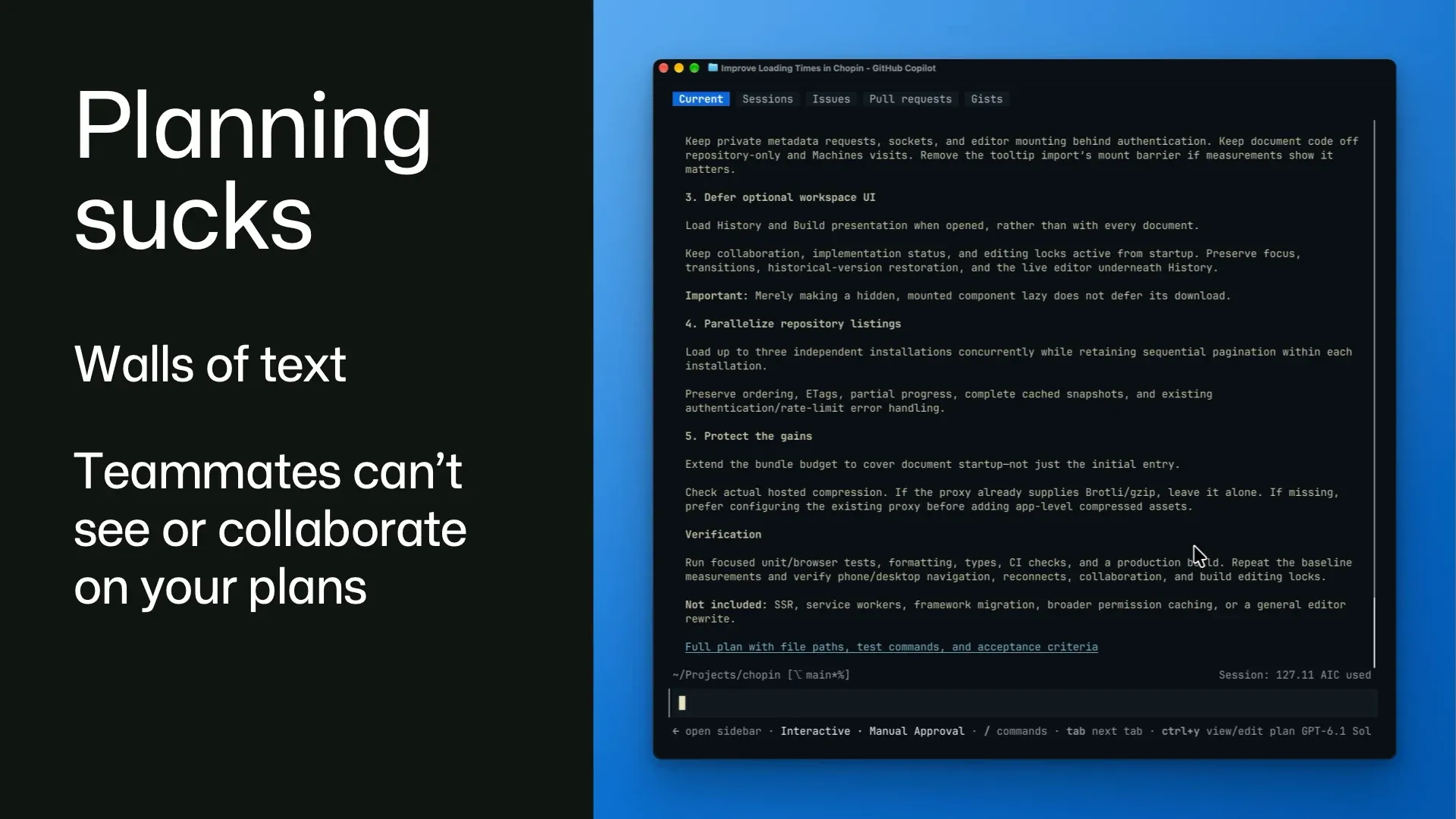
Once the grilling session finally ends, the agent dumps out a huge wall of text at us: the plan. Reading walls of text is very cognitively expensive for humans. It takes a lot of our effort and attention to parse all this language.
But I think one of the biggest problems here is that none of this is happening somewhere your teammates can see. You and your agent are approving these plans alone. You don’t even have an easy way to ask a coworker to help critique your interface design or give you a second opinion on your back-end schema.
At least not without screenshotting this plan or copy and pasting it into something like Slack. Which is a huge faff to do. So we don’t share it. We take the low friction route and make critical decisions about shared software without anyone else’s advice, approval, or help.
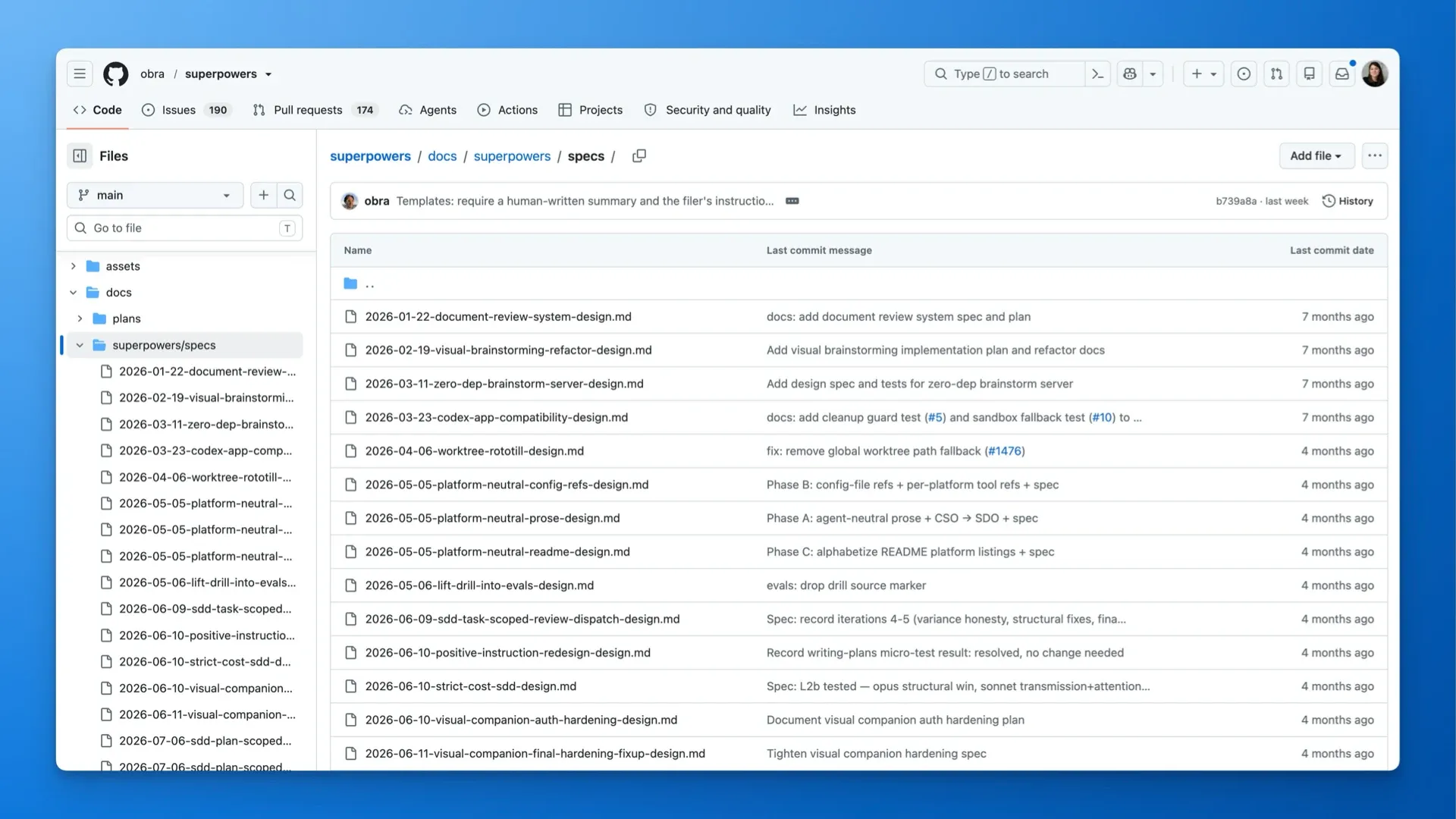
I mean, of course, you can upload Markdown plans to GitHub. We’re seeing a lot of teams do this. You just stick them in the repo. And it makes a lot of sense: co-locate the specs with the code, and Git tracks the history of everything so it’s all versioned. But this still feels cluttered.
And also on GitHub.com there’s no collaboration surface where you can do real-time editing, commenting, or have discussions.
Which is why we built Chopin, named for the famous Polish composer. Because it’s a place to compose plans.
The demo could not be played. Try the video controls or download the demo.
Chopin has lots of familiar stuff. There’s a chat, a document, there are agents, and there are your teammates, and everyone’s here in real time. Every document is connected to a GitHub repository, so Chopin can read all the code we’re discussing and have context on it. Here, Nate and Idan and I are going to plan some new feature for a note-taking app.
And so we’re all chatting about what it is we want to build. But of course, we all have differing opinions on how this feature should look. Luckily, Chopin is designed to help make these kinds of decisions. It watches the chat and identifies any key decisions we need to make, including options we’ve suggested for those decisions, and pulls them out into a dedicated decision card.
Decisions are a first-class primitive in Chopin.
The demo could not be played. Try the video controls or download the demo.
As we’re discussing what we want to build in the chat, Chopin is also writing up a plan, and keeps that plan up to date as new points and ideas are brought up. This helps the plan remain a living document while it’s being developed.
We can also manually edit it any way we like. It’s not locked behind rendered Markdown.
We made a specific effort to make Chopin really good at visual explanations, to save us from walls of text. Understanding is one of the main bottlenecks now. It’s difficult to make a good decision when all you have is a text description of something you can’t see or quickly reason about. Which is why Chopin goes to extra effort to diagram and animate things well.
The demo could not be played. Try the video controls or download the demo.
We went beyond diagrams to make Chopin able to build interactive prototypes of your interface. Because when you’re debating different options, you need something you can actually see and touch. Here are three approaches to the note-taking interface that we were debating. It’s much easier to make decisions when we can compare these options side by side with live data in a clickable interface.
Prototyping and building is part of planning. It gives the conversation something concrete to work with, before we commit to anything.
The demo could not be played. Try the video controls or download the demo.
Once we have a good grasp on what we want, we can make some decisions. When someone makes a decision in Chopin, it’s permanently associated with them. So after I make this decision and save it, the plan content is rewritten. When I open this annotation, we can see there’s a record that I made this decision at this time and date, and what options I had available to me.
This creates a decision log that can give us a history of human intent over the course of a project, to understand why choices were made and who to ask about them. We’re building a shared account of what we want the software to do, with the decisions attached to it.
The demo could not be played. Try the video controls or download the demo.
So once we like the look of this plan, we can get Chopin to build it. It breaks the plan down into a set of tasks and opens a pull request for each one. But what happens when we change our mind after the build? Well, we’re exploring the idea of living specs. We can go back into the document and here I’m going to open another prototype I had for a pedometer app.
And I can leave a comment for Chopin here saying that I want this lighthouse to be bigger. And once Chopin makes that update, it signals that there’s something new to build. So we can go ahead and build it, and it updates the code on that branch. So the written spec can become a true source of truth for the implementation.
Proof-driven development
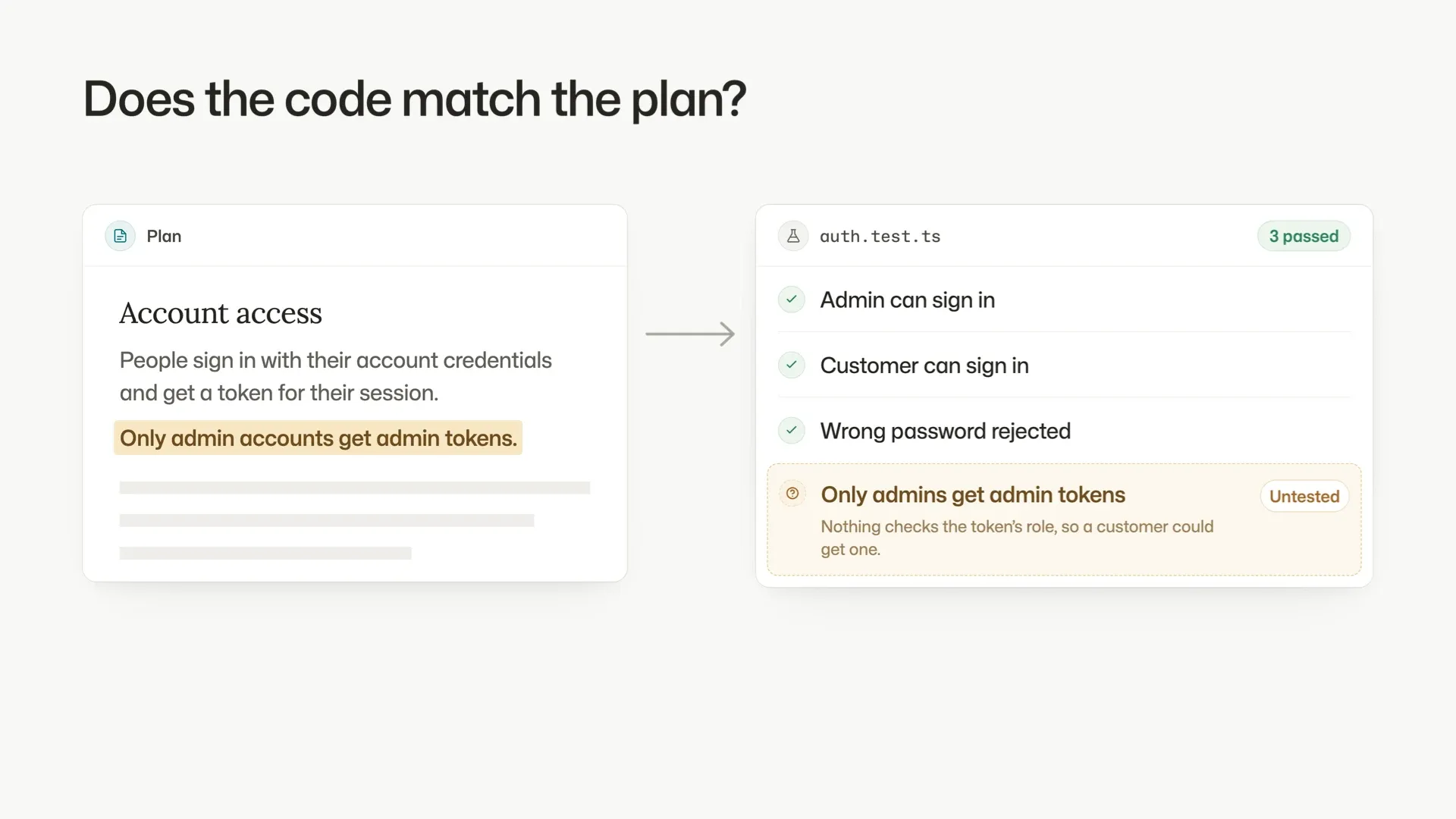
This is all well and good, but how do we know our plan has actually been built correctly?
Usually we get agents to write tests. Maybe we even write them first using test-driven development, and then we check that they pass. Agents are very happy to write tests. They write lots and lots of them, but not always very good ones. They’re often just verifying that the code they wrote does what they expect it to.
It’s easy for agents to misunderstand requirements. Those misunderstandings end up in both the code and the test. So everything can pass and we can still have built the wrong thing.
So we’ve been working with our partners at Microsoft Research on a formal verification system built into Chopin. It’s called Proof-Driven Development Kit, or PDD Kit.
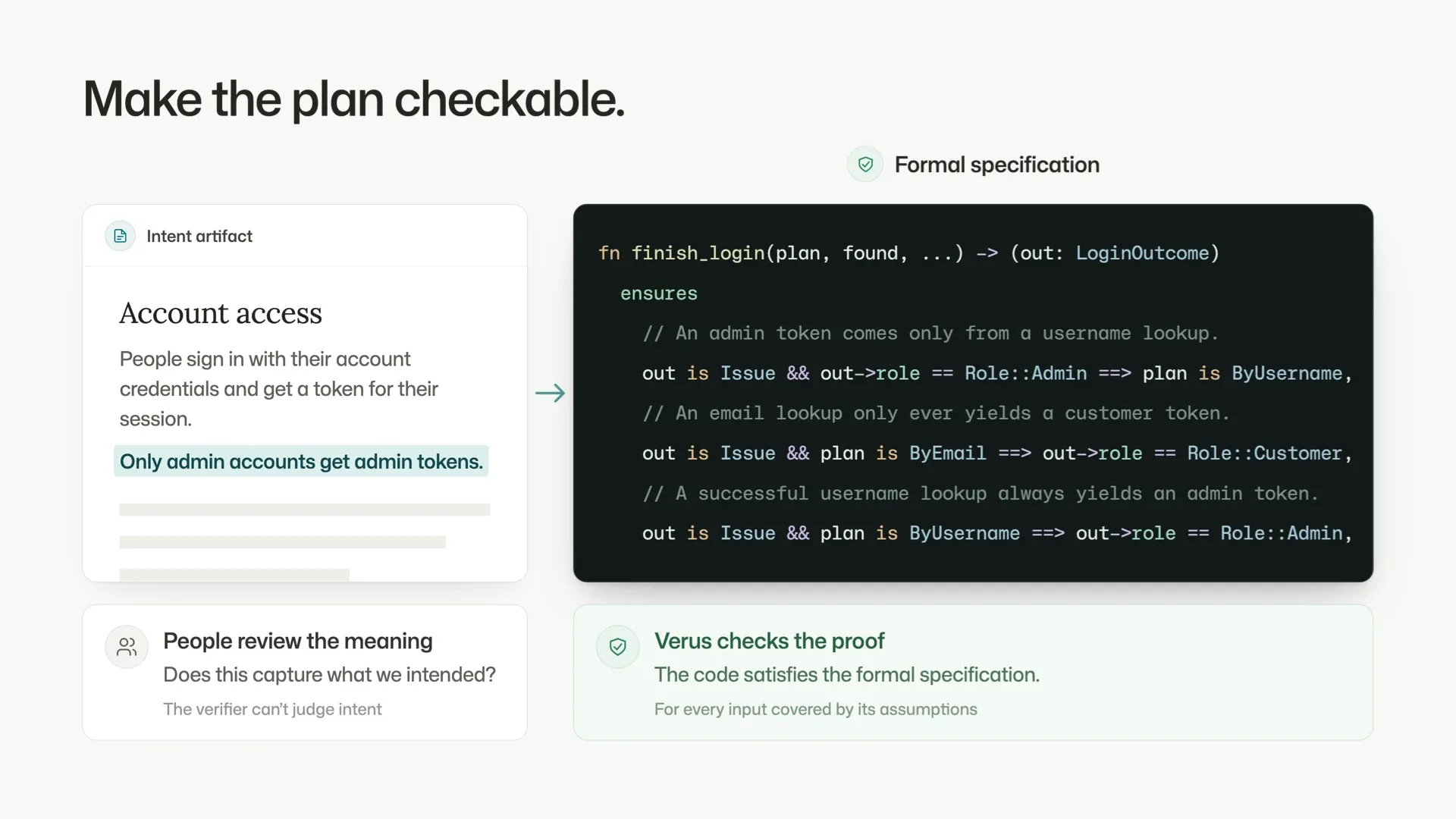
PDD Kit makes a plan checkable. It can take a natural-language statement like “only admin accounts get admin tokens” and verify that it will be true in the code.
It uses a formal specification written in Verus, a verification tool for Rust. Verus checks a mathematical proof that the code meets that formal specification.
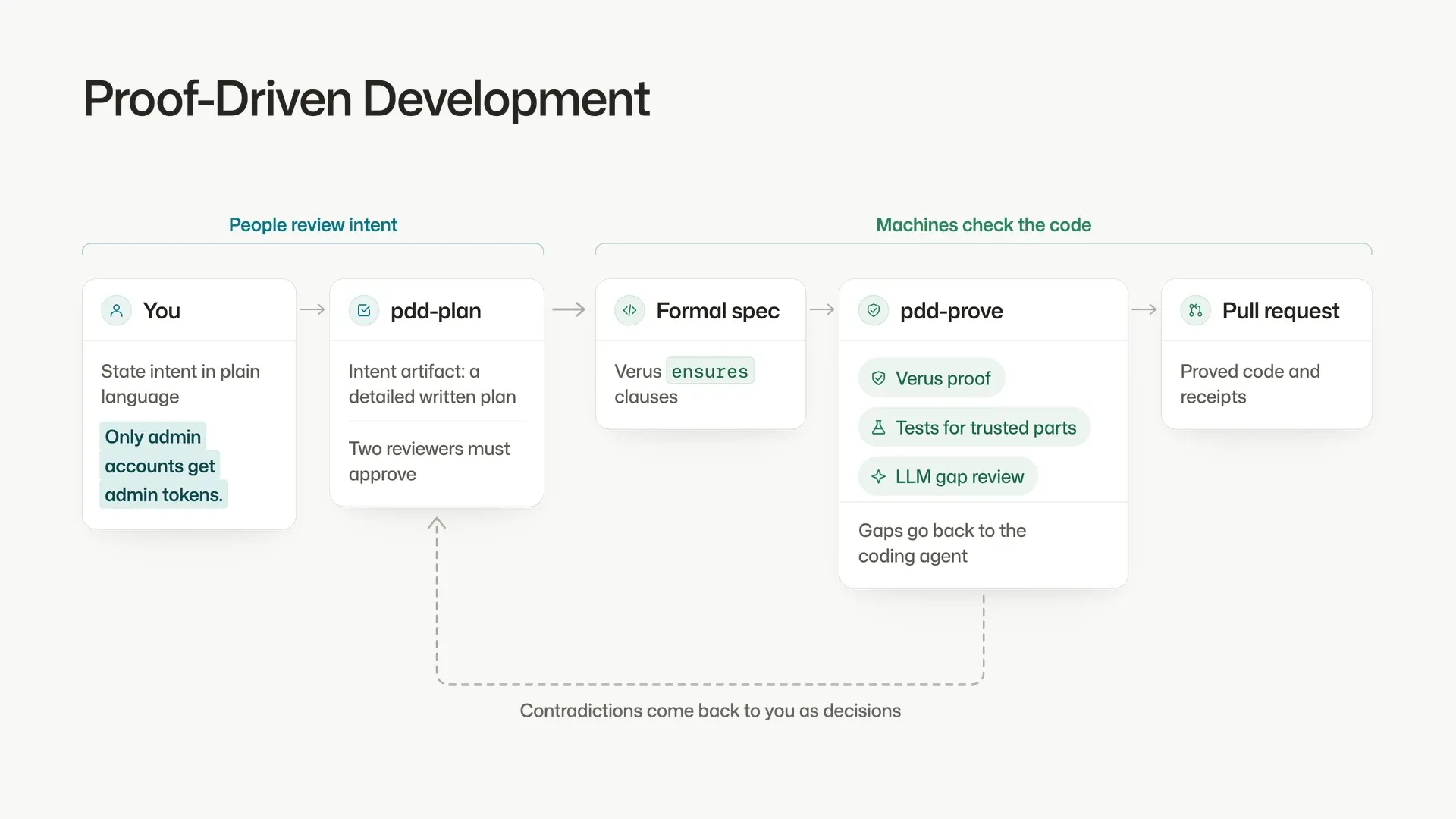
Here’s the whole workflow. First, you state your intent in natural language in Chopin and use its decision-making and collaboration tools to develop your plan.
PDD Kit then turns that into an intent artifact: an even more detailed written plan for you to review. Behind that readable plan is the precise formal specification in Verus.
PDD Kit checks the coding agent’s implementation against that formal specification in three ways: a Verus proof, tests for the trusted parts, and an LLM review that looks for gaps. Any gaps go back to the coding agent to fix.
If making your intent precise uncovers a contradiction, it comes back to you as a decision. The final step is a pull request with the formal specification and the proofs.
The goal is to bring formal methods into a more accessible workflow, so engineers can ship code that’s proven to meet a formal specification, at the speed agents work.
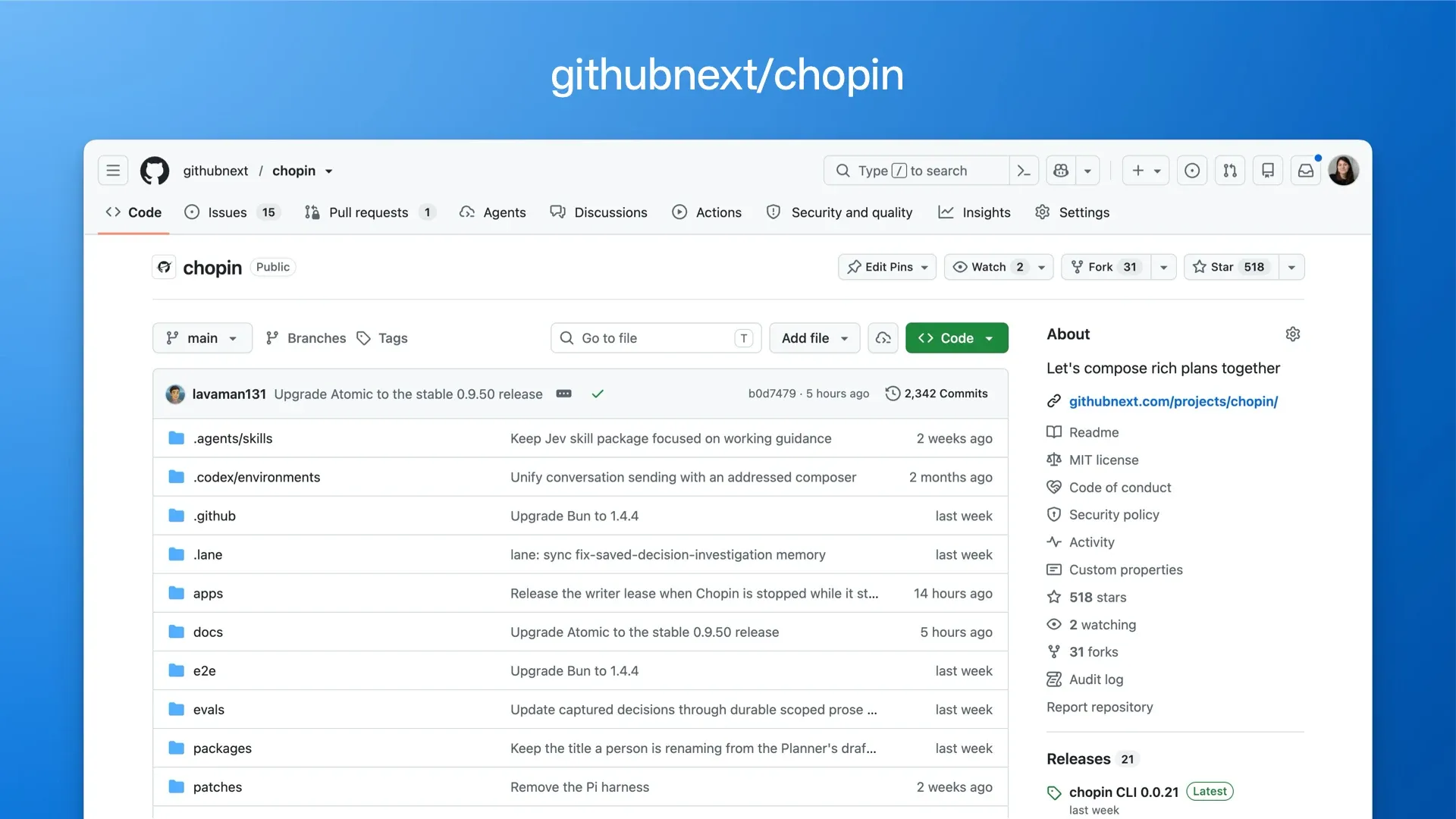
Chopin is currently open source, but still being developed. You can find it on GitHub by searching for Chopin. This comes with a “use at your own risk” warning, but we think it’s full of interesting ideas, and you can point your agents at it to explore more.
PDD Kit is currently in limited research preview.
Rethinking GitHub
Both Ace and Chopin are tools that you use with GitHub. They’re adding new nouns outside of GitHub itself to support the new pattern of work we’re all doing now with agents. But some things always feel a little grafted onto today’s GitHub. Whenever an agent communicates with another agent through a comment on a PR, a part of me is like “cool, we live in the future!” But another part of me makes a face and says “There’s gotta be better nouns for both humans and agents to use in GitHub.”
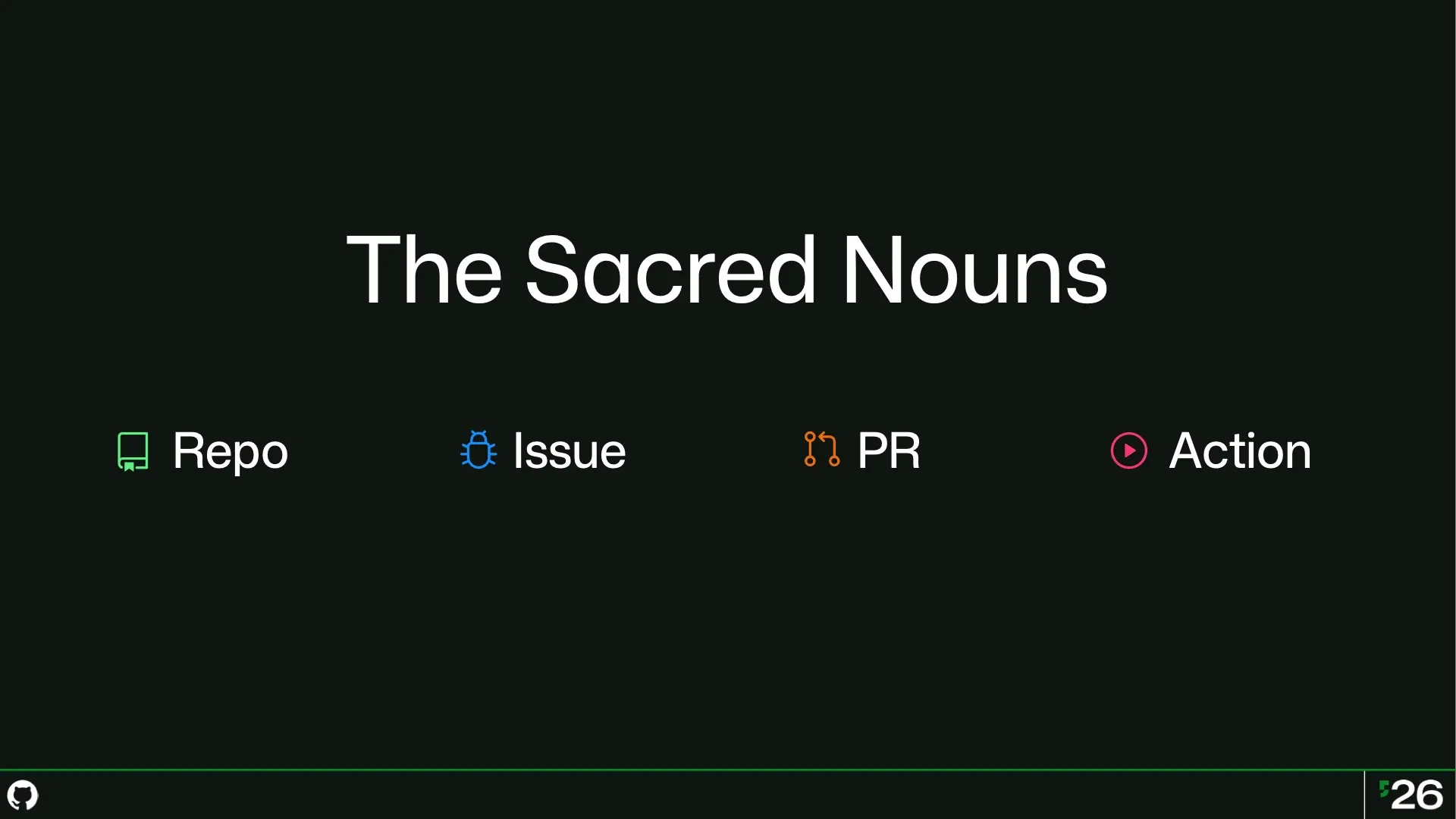
And those nouns haven’t really changed in years. The repo, the issue, the pull request, and the action are the foundations of GitHub. What if we gave ourselves permission to rethink those sacred nouns for the agentic era? What could our tools work like? How would it change how we work?
How could it make agents significantly more effective at being our partners?
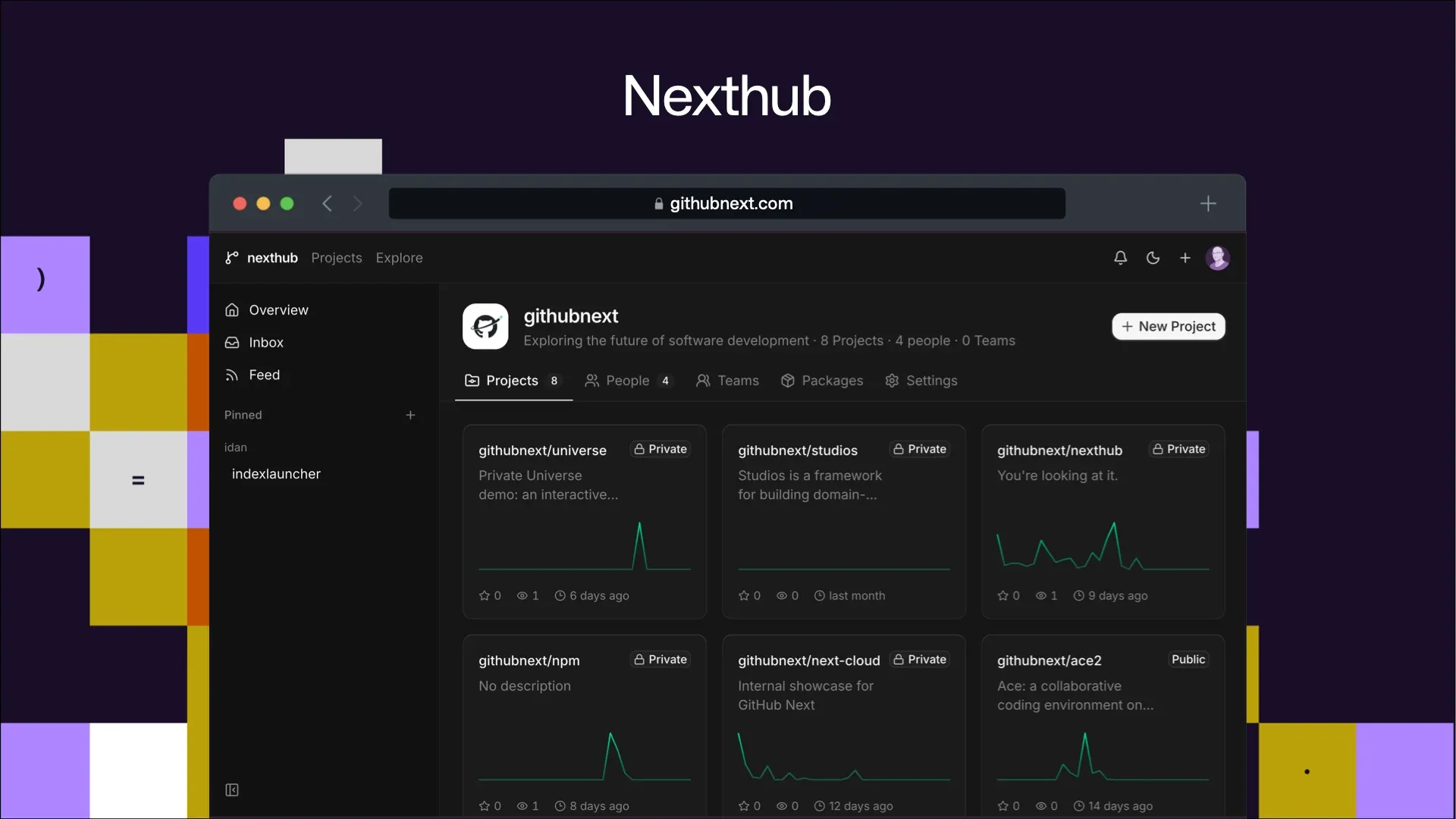
That sounds scary and risky so naturally we had to go and build a concept car and find out how it feels to drive. It’s not got a cool name or anything, we’re just calling it Nexthub for now. Let’s go on a little tour!
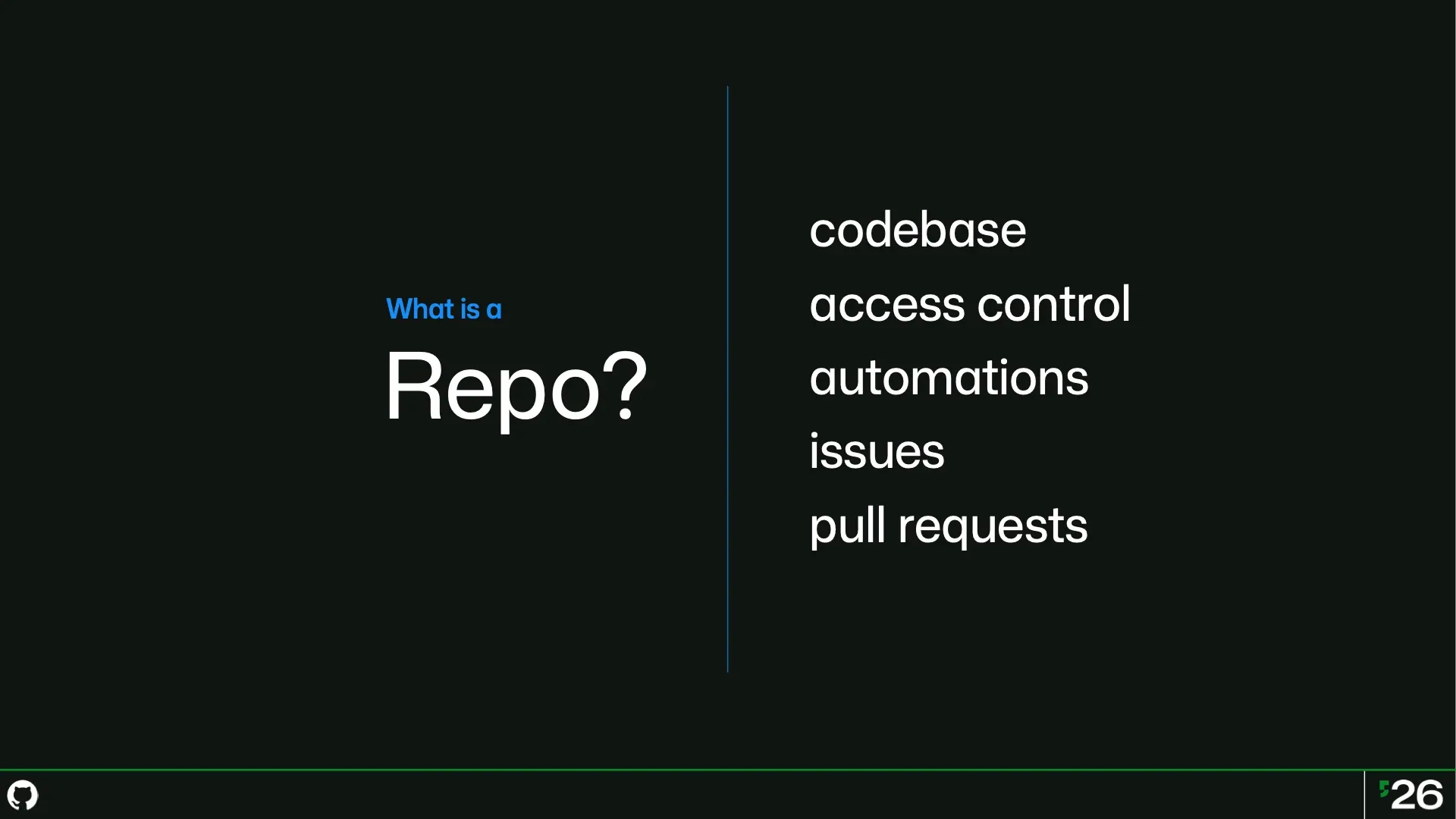
Let’s start with the most important noun of GitHub, the repo. First and foremost, it’s a container for one codebase. It’s also a boundary for access control and collaboration, unless you work inside a GitHub org which also supplies some org-wide controls. And finally it’s the container for things like automations, issues, and pull requests.
You can’t have an issue or an action outside of a repo.
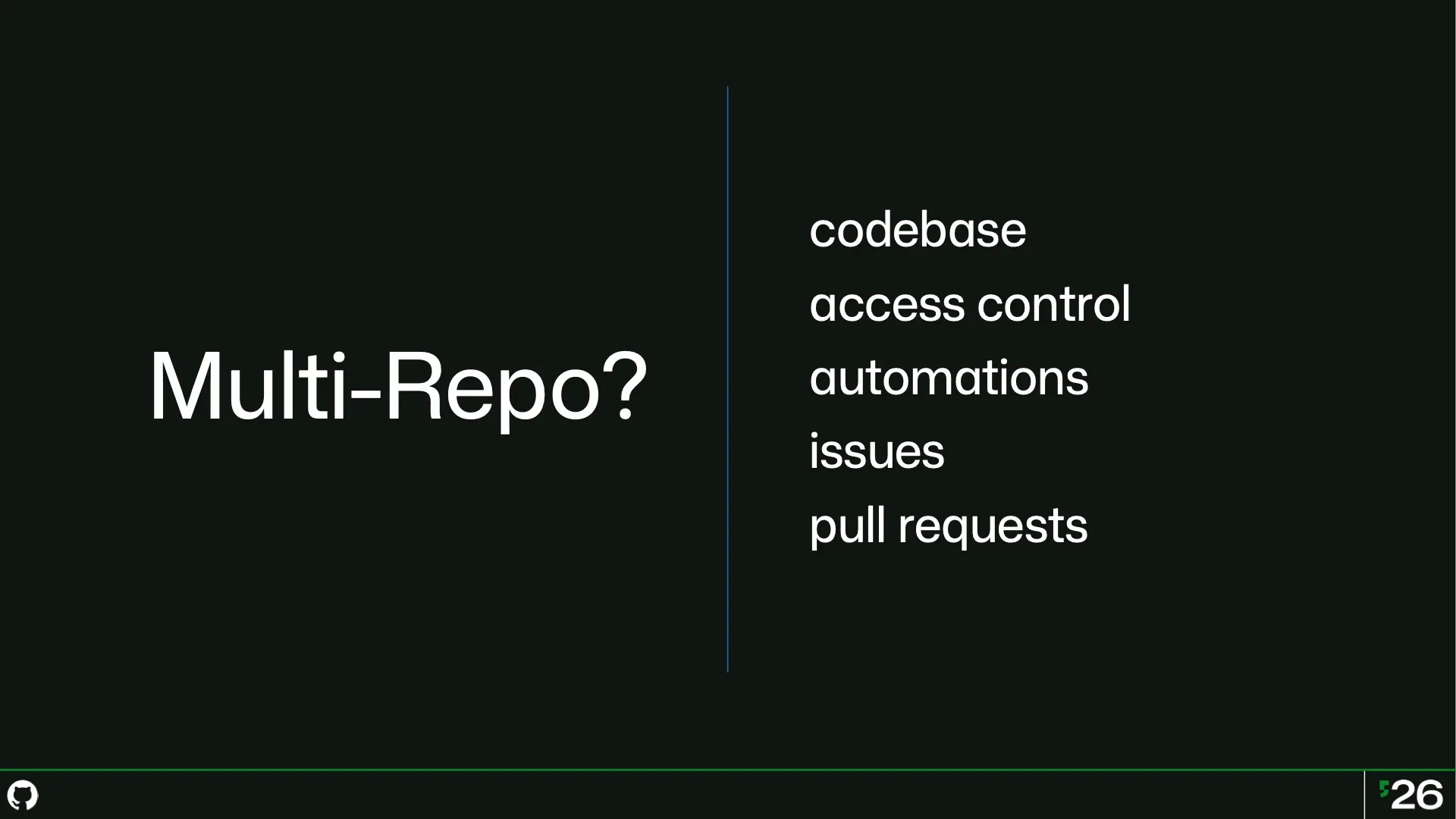
But you also can’t have an issue or an action run across multiple repos. And unless you’re using Git submodules, you can’t really have multiple codebases in a repo, or some explicit relationship between multiple codebases. For some of these, it’s possible to kludge things together, but really we ought to have some better way of stitching these different things together.
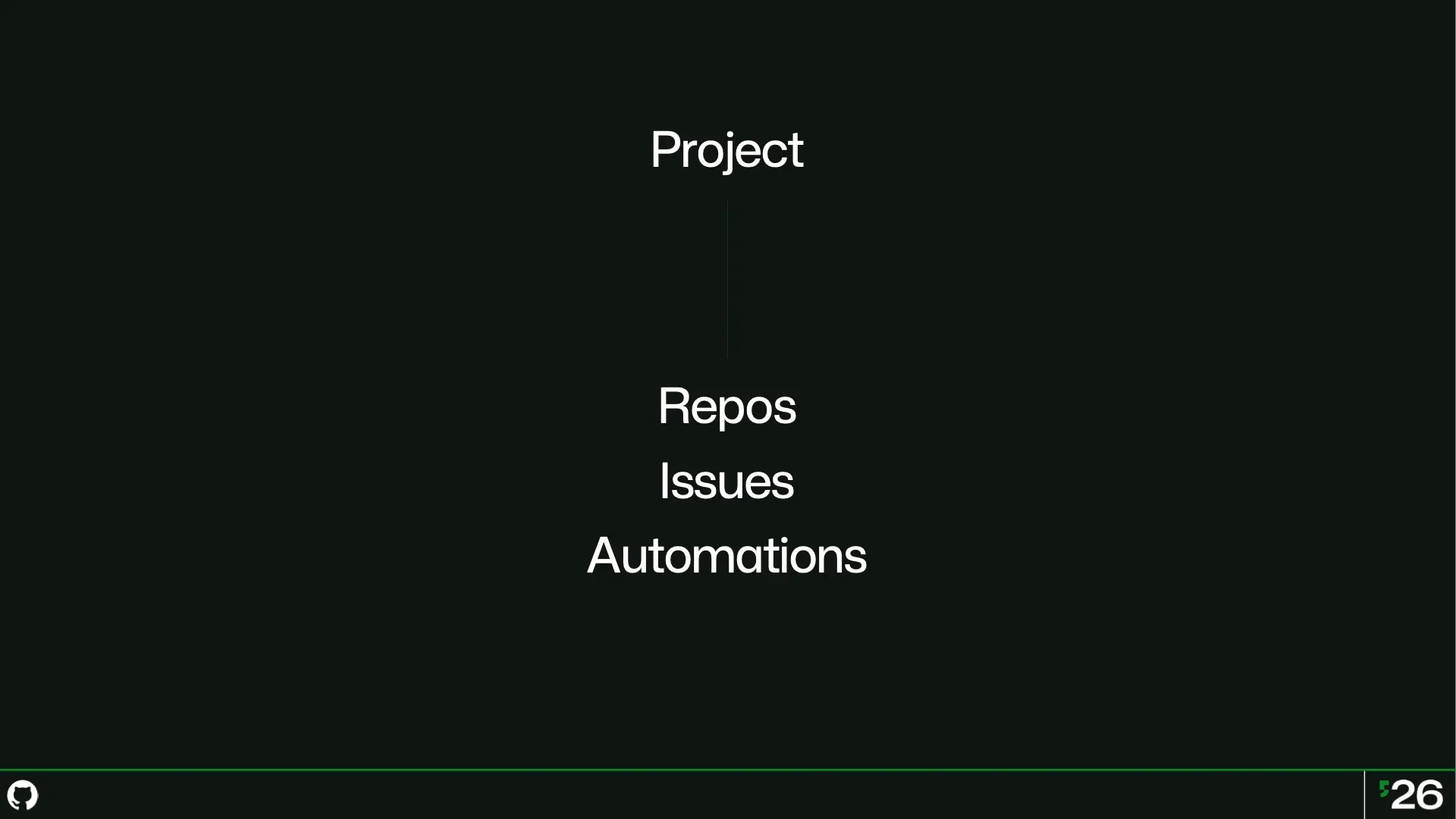
In Nexthub, you can still have standalone repos like we’ve always had, but the primary container is the project. It’s the primary boundary for ownership and collaboration, but you can also use projects to house things like issues or automations that span multiple repositories, or maybe they don’t have to do with one specific repo.
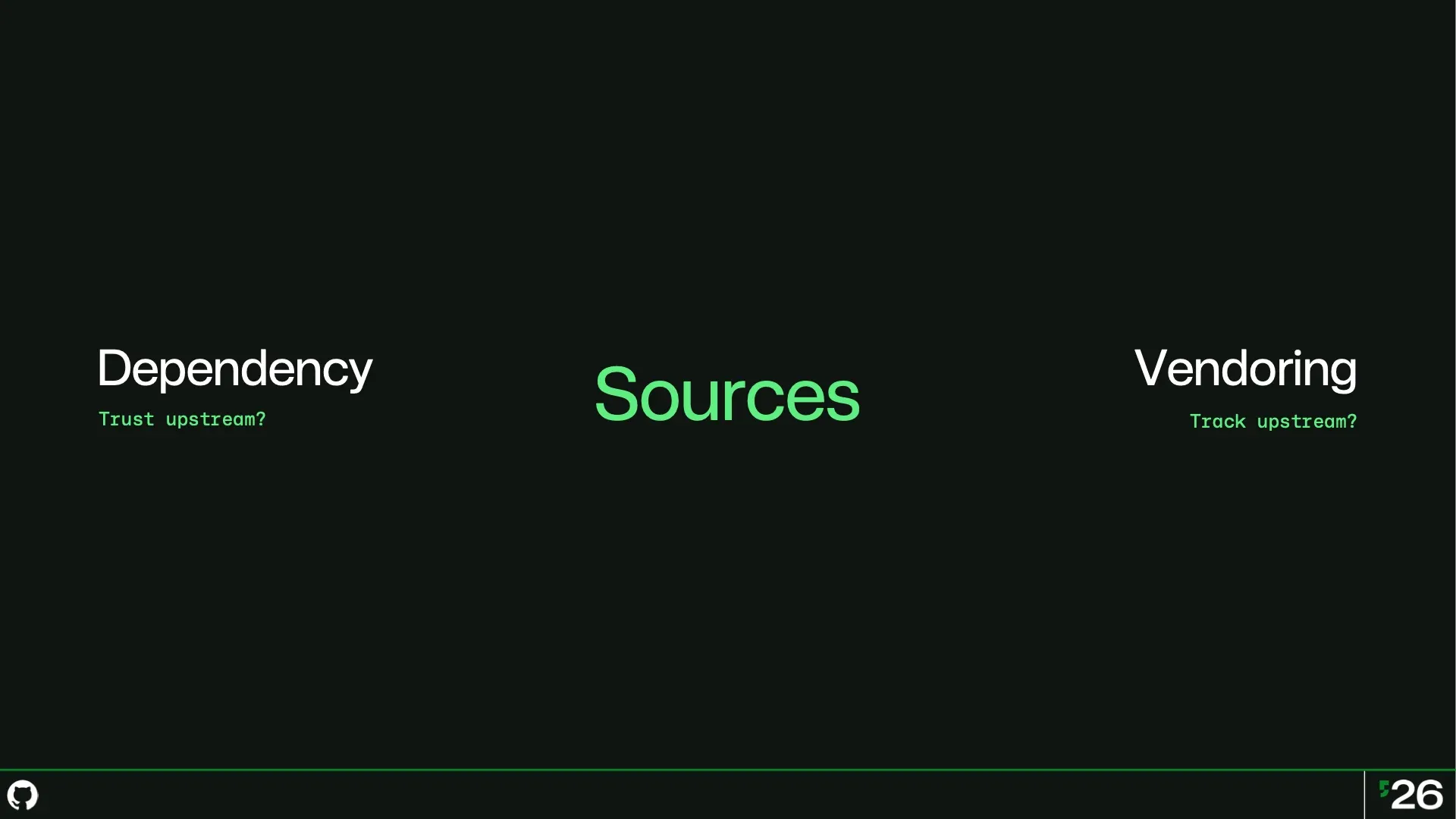
Most repos aren’t the entire codebase, because most projects import some dependencies. Dependencies are convenient but they come with a trust relationship. I have to trust those dependencies. I have to trust the humans behind those dependencies. I have to trust all of their dependencies.
Vendoring takes back that control but at a price. How do we update that code? But more interesting: what if we need some custom changes to their code? What if I want to overlay diffs onto a source? The goldilocks in the middle is Nexthub’s Sources. Think about sources like git submodules but with superpowers.
Under the hood, sources uses GitLinks, the same mechanism used by git’s Submodules, but with a deeper integration into all the other nouns.
The demo could not be played. Try the video controls or download the demo.
Inside a project, you can see all the sources that are defined, what their purpose is, and how they’re defined. Here we have two sources, one with the webapp routes and one with API routes.
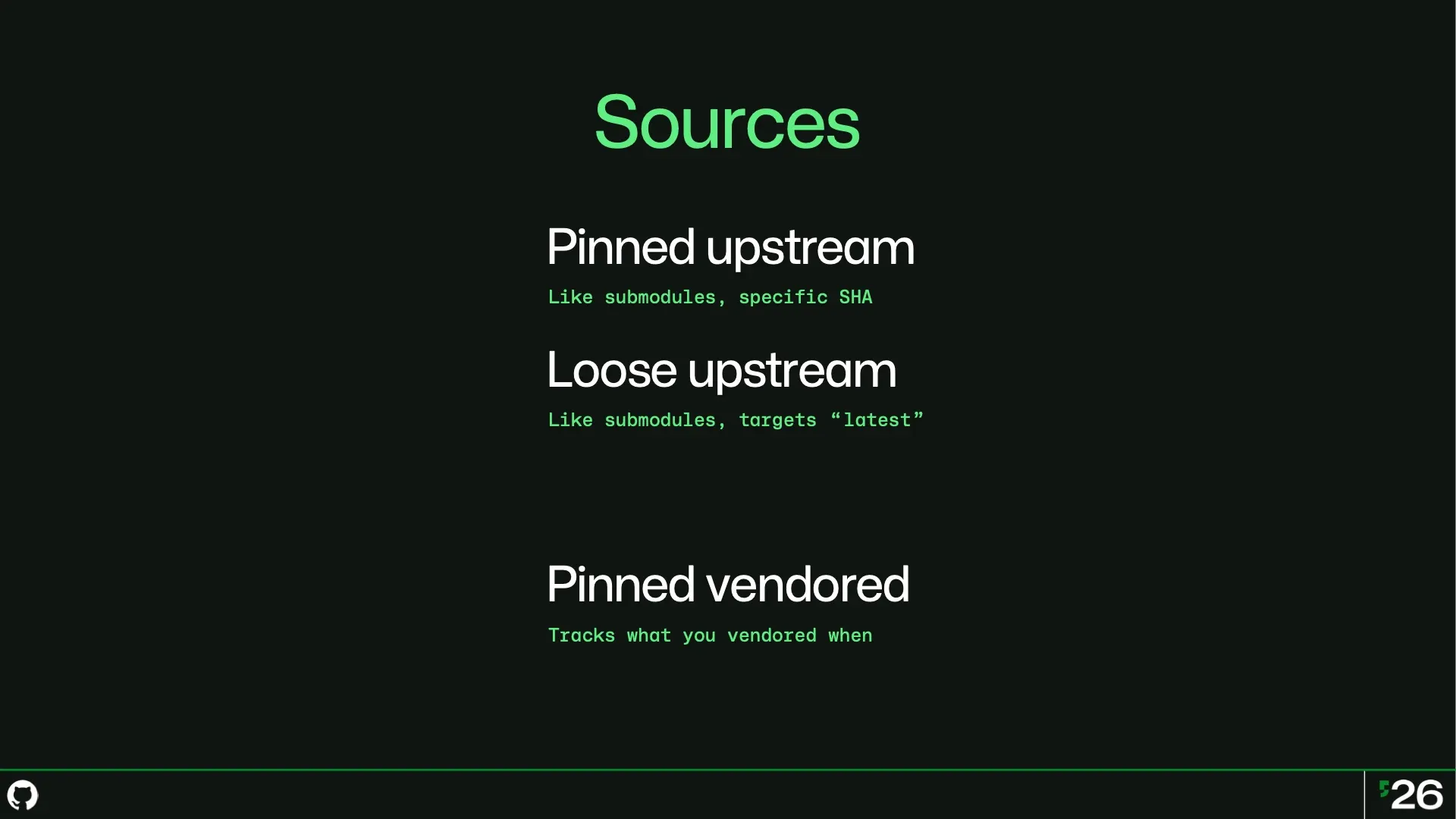
Sources come in a few different flavours. I can have upstream sources that are pinned to a specific revision, or that track the latest revision.
I can also do the classical vendoring of a codebase, but Nexthub still remembers the original upstream relationship.
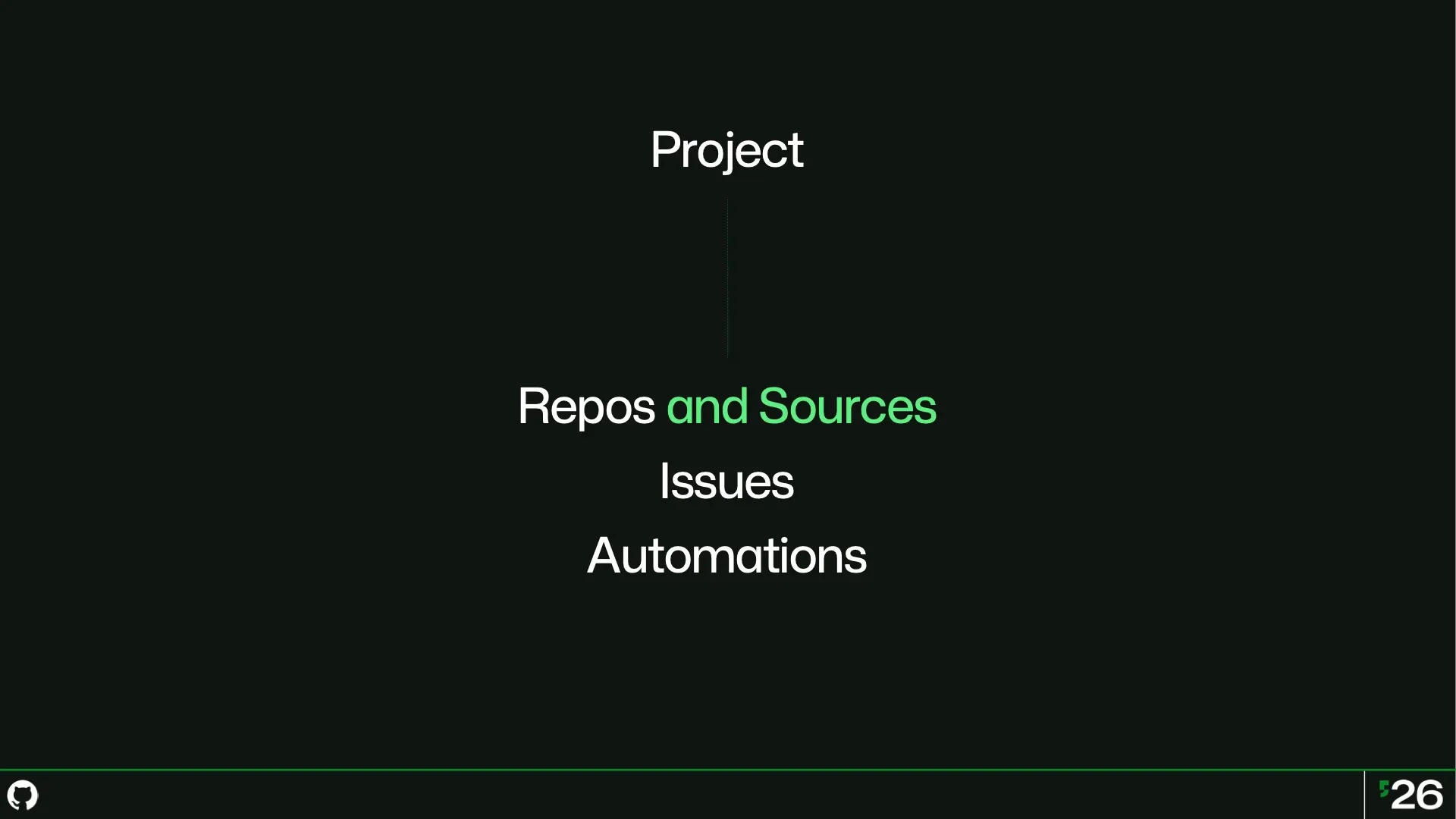
Projects can be composed of both repos for your code, and sources for everything where you want more control than a dependency and something more convenient than copying a whole codebase into your repo. At a time when upstream might not be accepting outside contributions, being able to overlay your own changes can be critical to controlling your destiny.
And a source is still a versioned codebase: If upstream disappears or changes drastically tomorrow, you’re still holding your own copy.
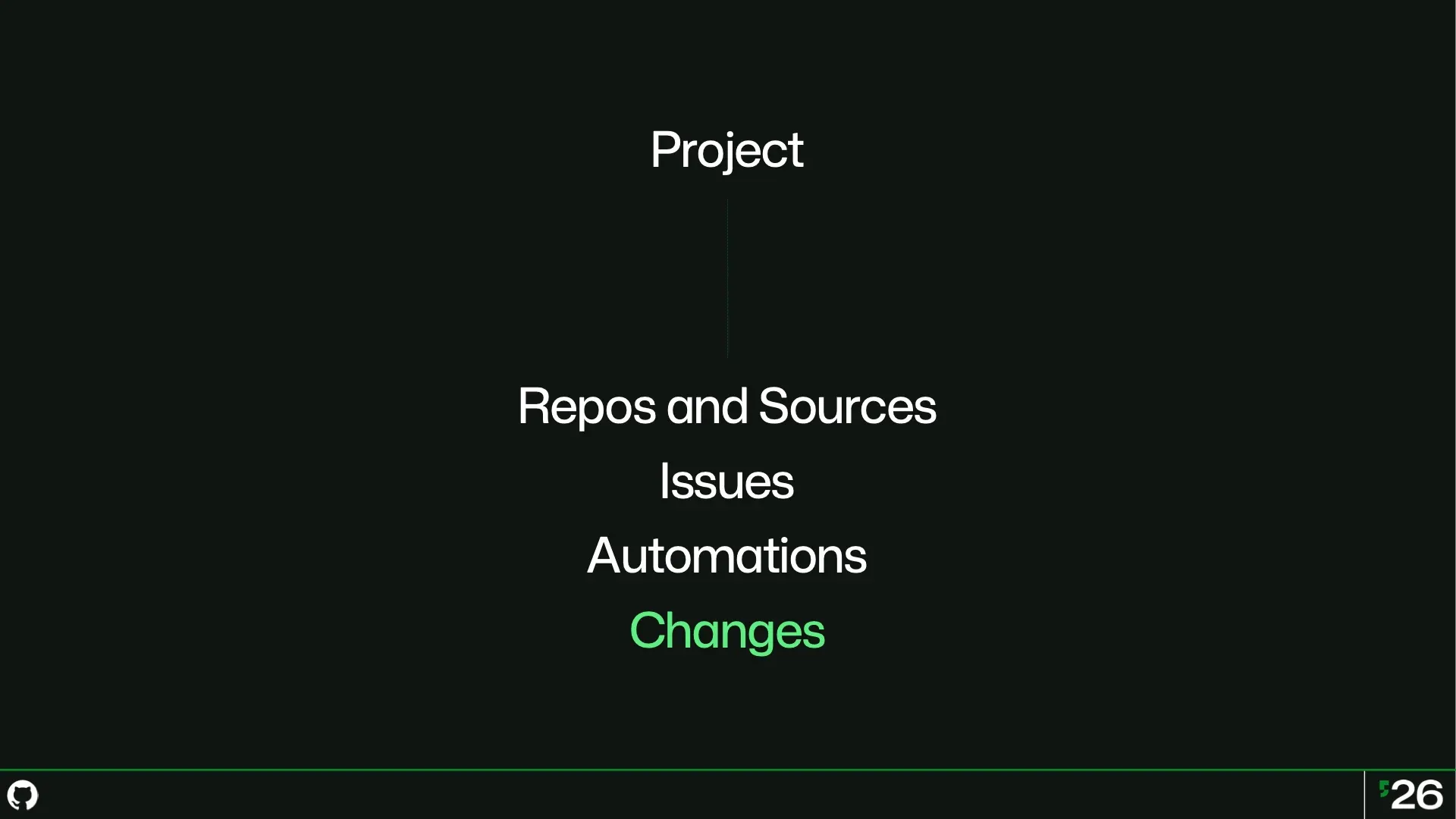
And changes, which are the equivalent of a pull request, can operate on the project level too. One change can touch multiple repos and sources. So when an API in some library you depend on changes, you can make one logical change to update your source and any custom overlays on top, as well as your own repo.
The demo could not be played. Try the video controls or download the demo.
So here I have a change on a project, and when I go to look at the diff, I can see which sources this change touches, and exactly what changed in the diff. When I think back to all the customer conversations I’ve had over the years about how to do microservices inside GitHub, what I would have given to have this be a first-class thing.
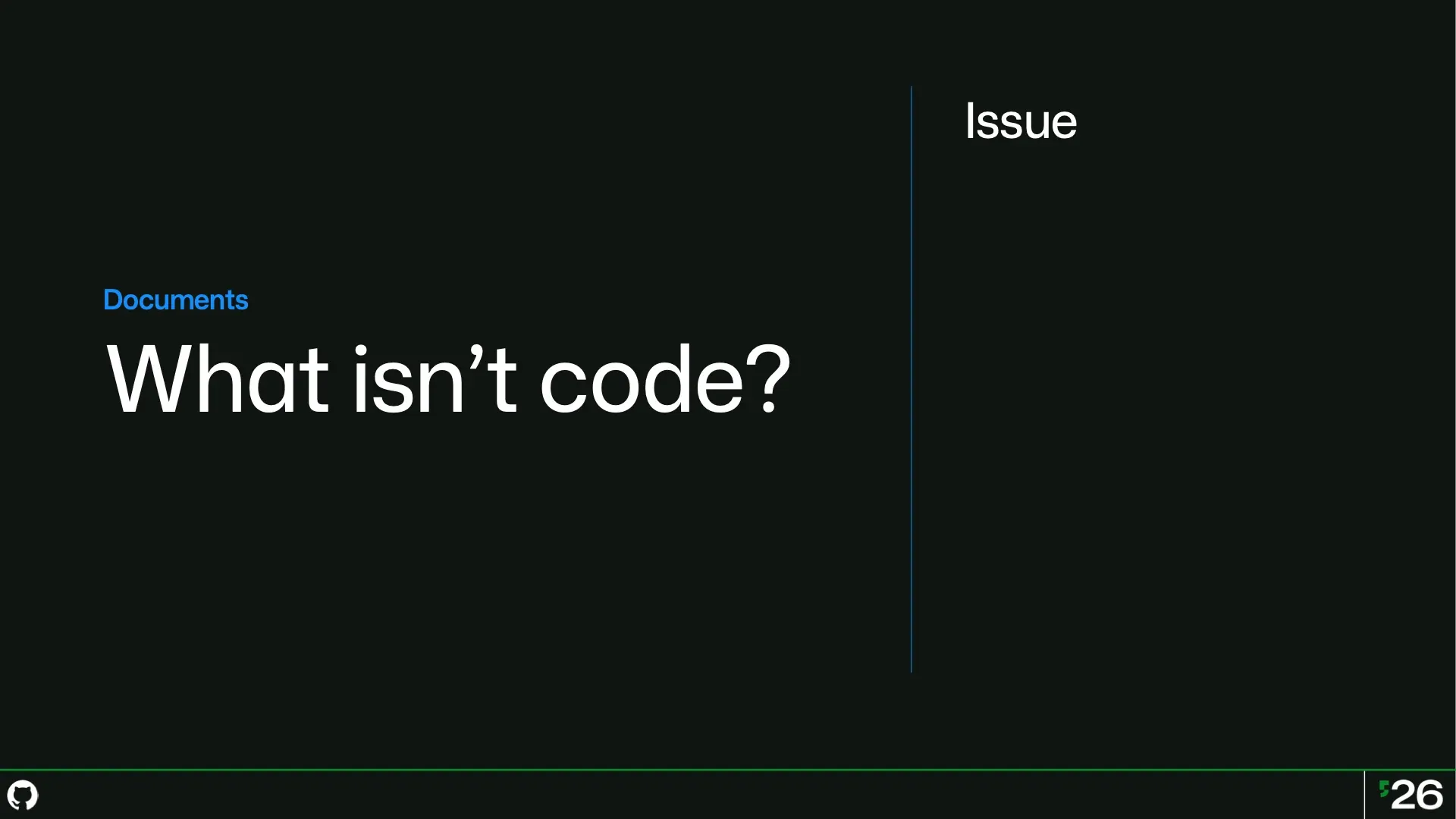
Inside projects, nearly everything that we think of as being about GitHub and not Git is called a document in Nexthub. And the most common document is the Issue, right? It’s not in your code, it’s something about your code.
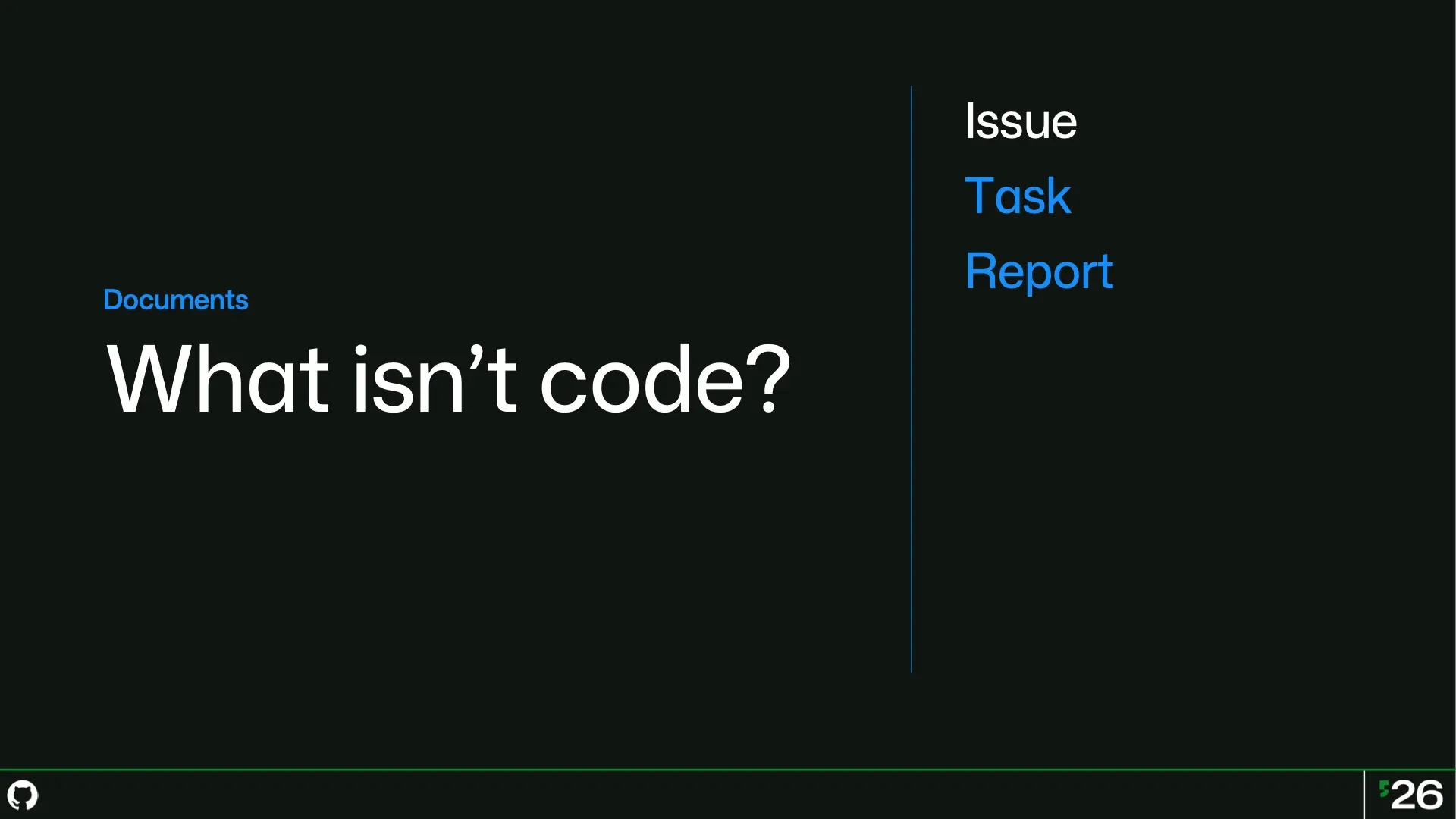
But an issue is actually overloaded. We use it to track work tasks. We use it for human-reported errors. And increasingly, we’re also using them to contain artifacts like AI-generated research about how your code works, or nontechnical things like market research.
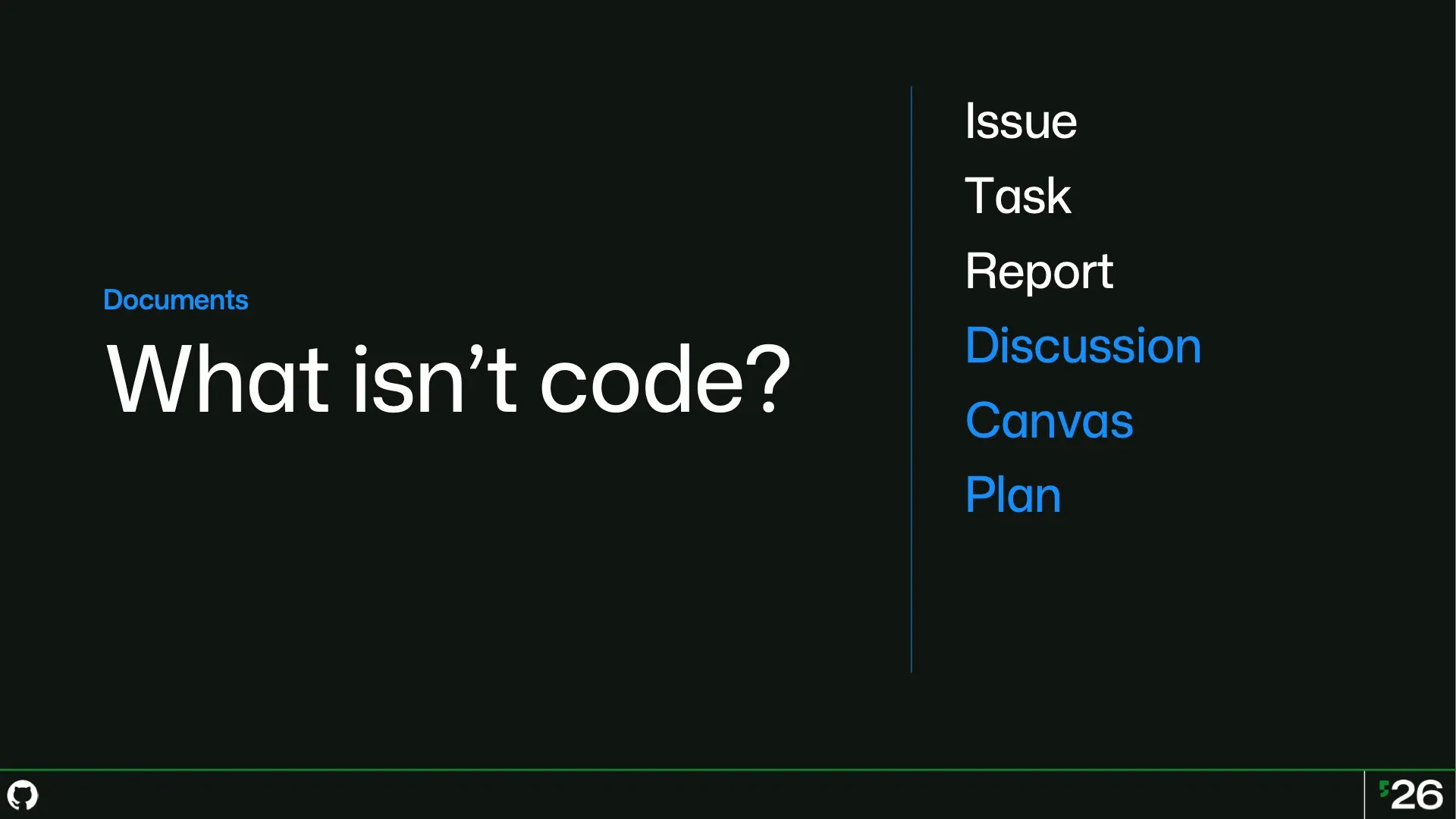
Often we use issues as collaboration spaces — to explain things to one another in a discussion. But sometimes we want to collaborate visually, and so we turn to visual canvases to give us shared whiteboards for brainstorming, for diagramming, for design explorations. Whatever you need that is best expressed visually and not as text.
And we also have plans: for when you want to share a piece of writing about how to properly accomplish something. Today, all of these are kinda stored inside one box — an Issue.
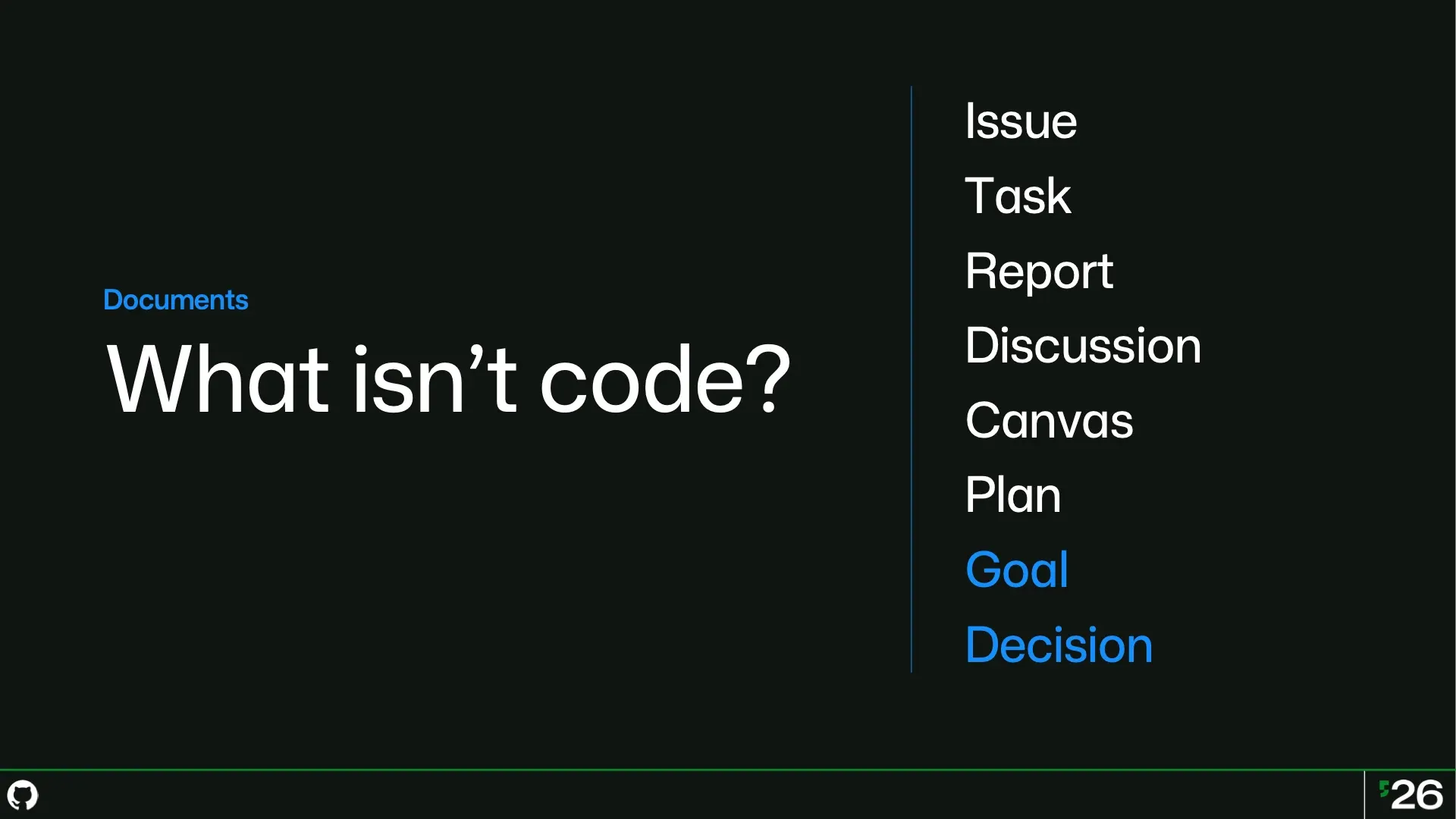
But the most interesting nouns in Nexthub are about intent, and how we record that intent in ways that make sense to humans and are usable by agents. Goals identify what we are trying to do. They’re our aspiration. If you can’t connect one of these other things to a goal, that’s usually a sign that it’s not actually important to do.
It’s not advancing you towards a goal. And finally we have decisions as a first-class concept. Decisions are how we define goals. Decisions are also how we change goals. And we keep a record of those decisions so we know why those goals changed, and when. So let me show you some of these in action on a real open source project I made for myself.
The demo could not be played. Try the video controls or download the demo.
Recently I decided to create a launcher for my Android phone which doesn’t have a grid of icons, instead it’s got a vertical list of a few favorite apps, and an alphabetical index I can scrub through on the right to quickly get to any app in my library. This isn’t a new idea, I just wanted to make my own version that’s tailored for me.
I’m right handed, and that index works great with my right thumb, which is how I usually hold the phone. But what if I have to hold my phone with my left hand? What if a lefty wanted to use this launcher?
The demo could not be played. Try the video controls or download the demo.
Time to file an issue! Which works exactly how you know and expect. I create a new issue, fill out the title and a body, and bam I’ve got an issue. But that issue is just floating in space. If I have a thousand issues, how do I know if this one is more important or less important to tackle right now?
And if I don’t know, how are agents going to know?
The demo could not be played. Try the video controls or download the demo.
In Nexthub, I can attach the issue to a goal. Here, I’m going to create a new goal in response to the issue. I’m going to specify my intent, define what success means, and supply a reason for my goal. Why do I care about this? Why should I do it?
The why is unique because that’s always going to be up to a human. Agents are great at how. They can deduce motivations, but ultimately the why is the responsibility of the humans. So here we’re elevating both the goal and the why to first-class concepts.
The demo could not be played. Try the video controls or download the demo.
And now I’m ready to think about how I’m going to solve the issue. I could write a bunch of text to describe the problem and imagine some solutions or ask an agent to take a pass, but sometimes a visual really is worth a thousand words. A canvas is useful for me when I’m working alone, but this canvas is realtime and multiplayer, so if I need to hash out an idea with my team, I can do it together with them.
The demo could not be played. Try the video controls or download the demo.
And now that I have an idea of what I want to do, I can create tasks that specify the actual work I need to get done to achieve my goal. Tasks and issues are both text, but tasks are explicitly about some work that needs to get done. So when we want to look for work to do, we’re looking up tasks.
When we want to understand the problems or gaps in our software, we’re looking for issues. So I create tasks and attach them to goals. But goals aren’t written in stone, sometimes they need to change. So how should that work?
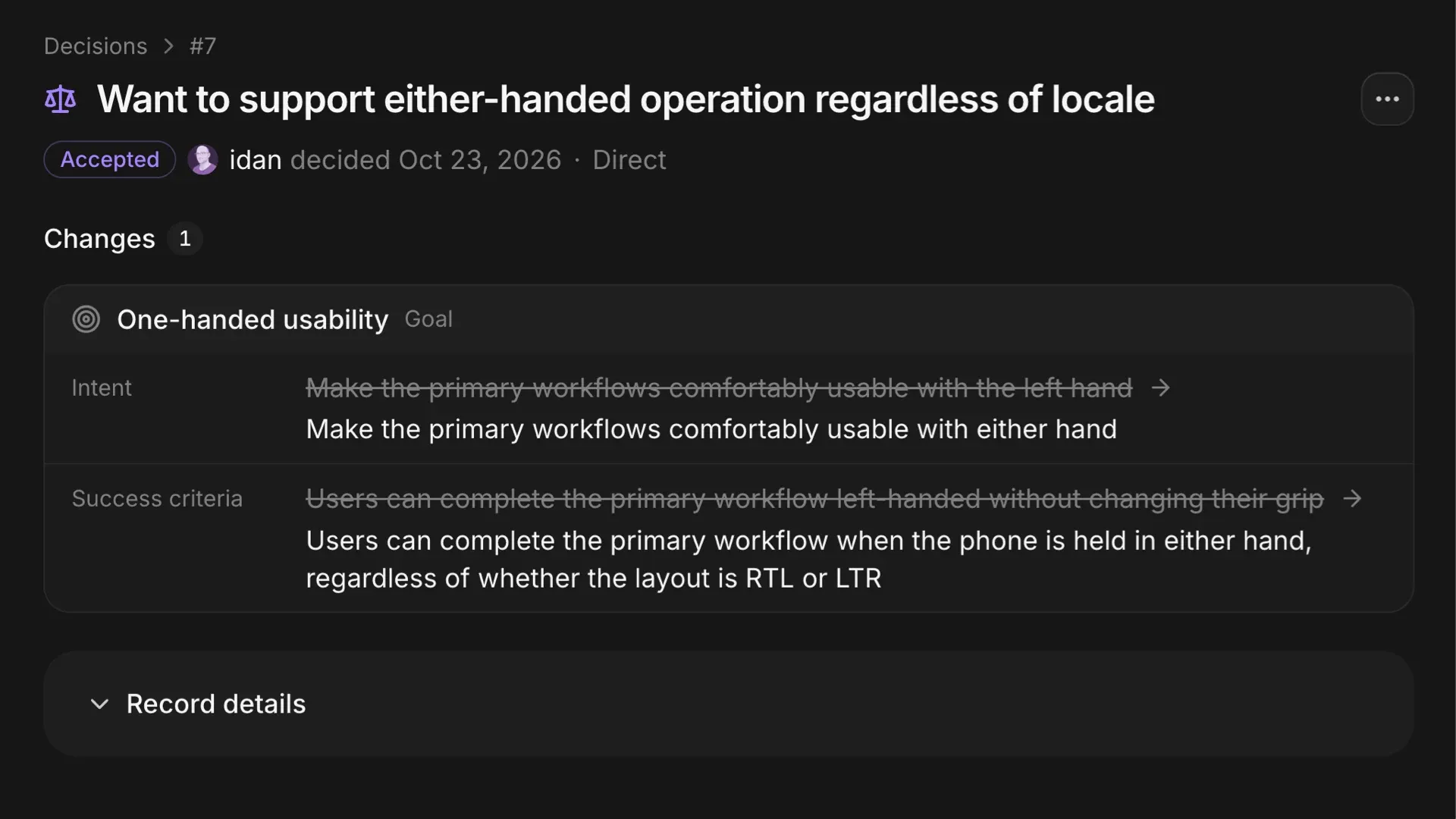
In Nexthub, goals are mutable and every change is recorded as an explicit Decision. Here, I realized that in locales where writing goes from right to left, the entire layout would be flipped, and so my original goal was only half-correct. I don’t just want this to work for lefties, I want this to work in either hand, in any locale.
That decision isn’t buried in a comment thread on an issue. It’s not going to disappear when that issue gets closed. It’s a first-class thing in my repo. It’s got a date and a time. Agents can see when the goal changed so they’re not working towards a stale goal.
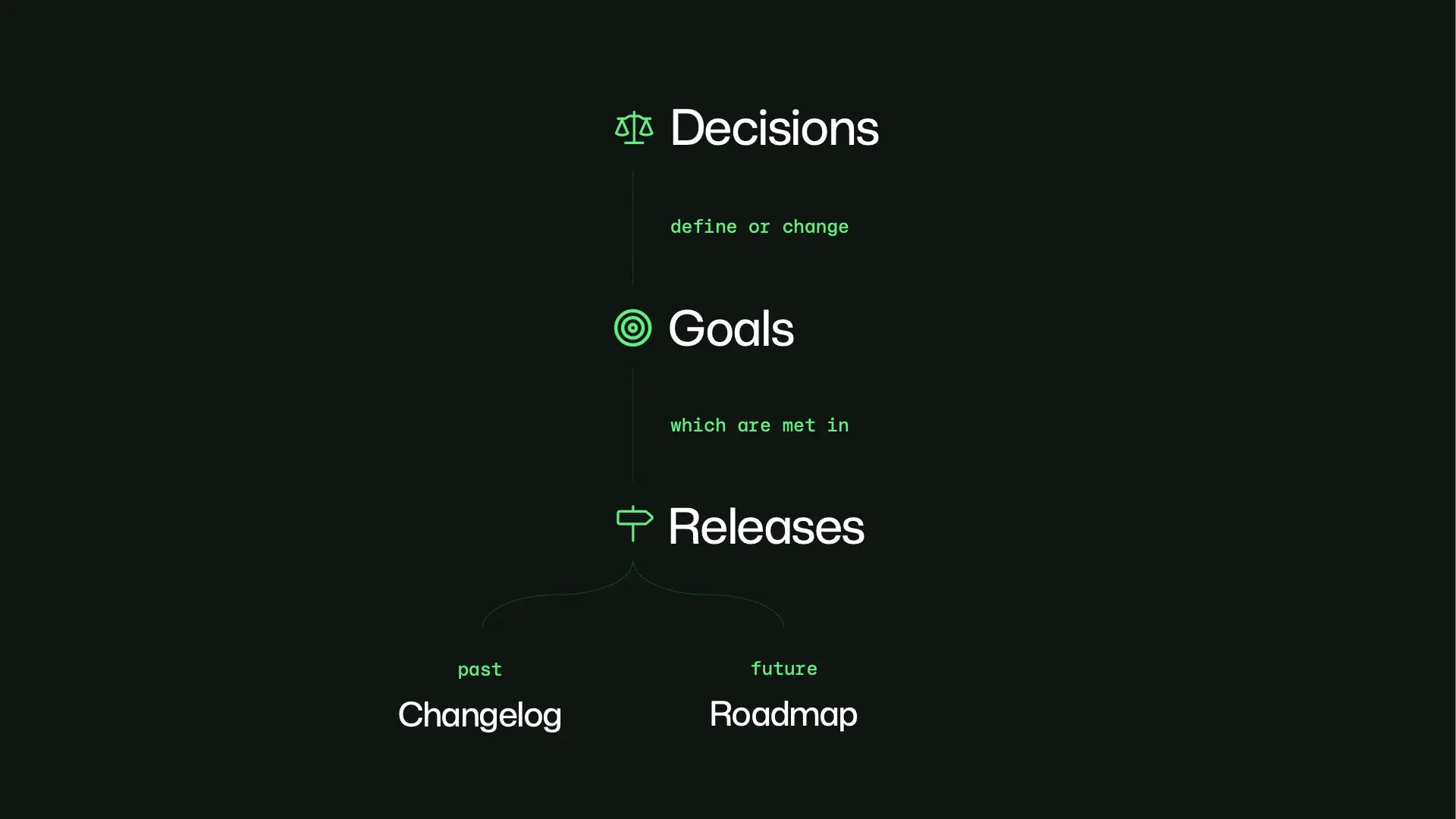
And this extends out to how we ship code. Decisions define or change our goals. And Goals are achieved in Releases. In Nexthub, a release is more than just a tag on a given SHA, it’s a first-class noun about software delivery. Past releases make up the changelog, and future releases make up the roadmap.
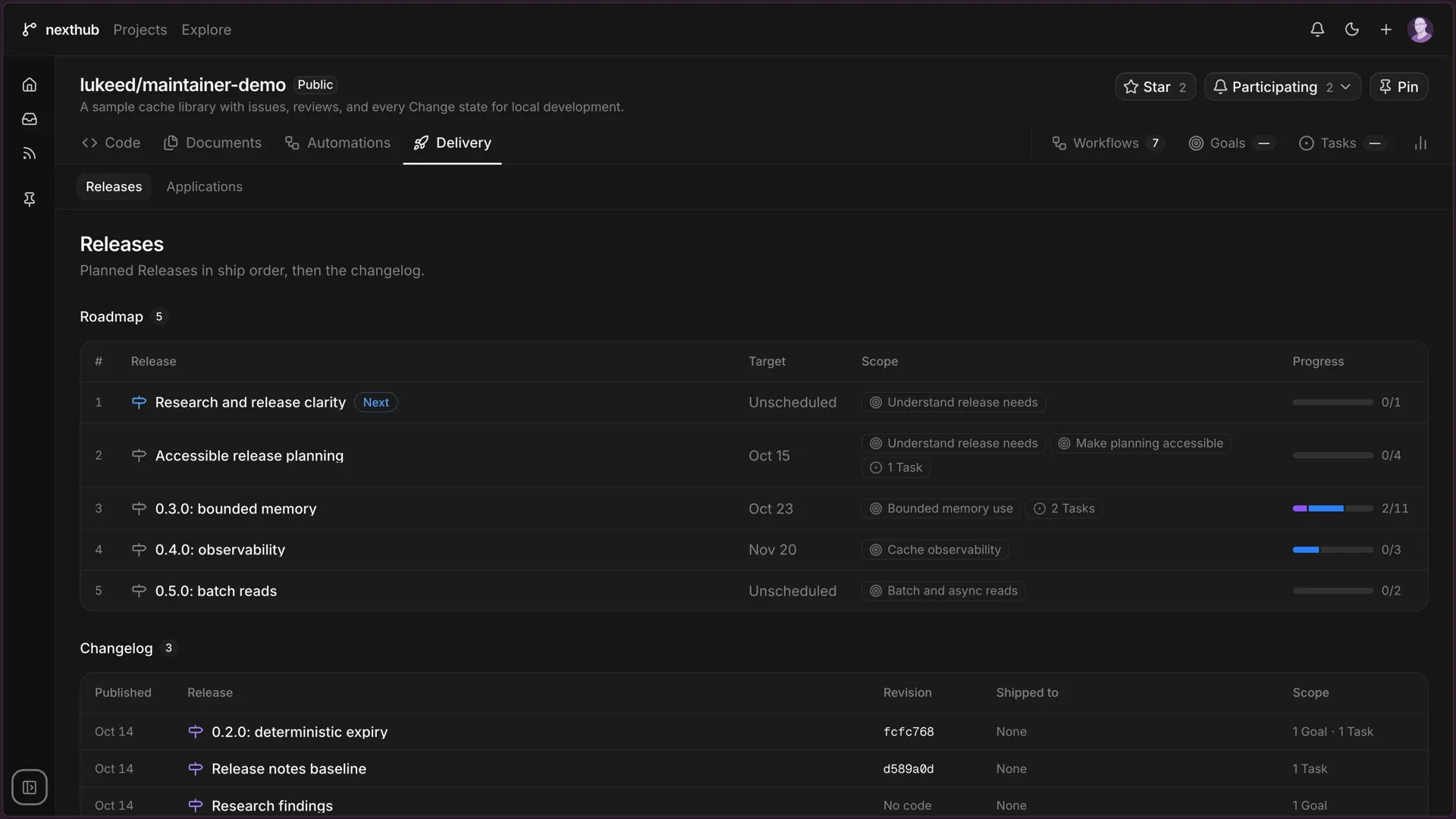
I can get insight into the scope of releases by seeing the goals that are attached to them. Agents can reason about which goals advance which releases, and in a world where you’re automating more of the work of software development, they can make better decisions about what to prioritize.
But sometimes a release is only half the job. If you’re building a webapp, you want to put it somewhere that people can use it. GitHub pages is absolutely the lowest friction way to share static site content, but as soon as you need a backend for your app, you can’t deploy to pages.
So we added that to Nexthub — deployable webapps with backends and databases. If you’ve ever deployed an app to Vercel or Cloudflare workers you’ll feel right at home with Pages Plus, except it’s all first-party.
The demo could not be played. Try the video controls or download the demo.
In addition to sources, documents, and automations, I have a “delivery” tab in Nexthub, where I can configure running applications based on my project.
The automation pipeline that builds the deployment is in Nexthub, the server is Nexthub, and the backend is Nexthub. It’s a boring little webapp that we made here, but it has backend routes and a database.
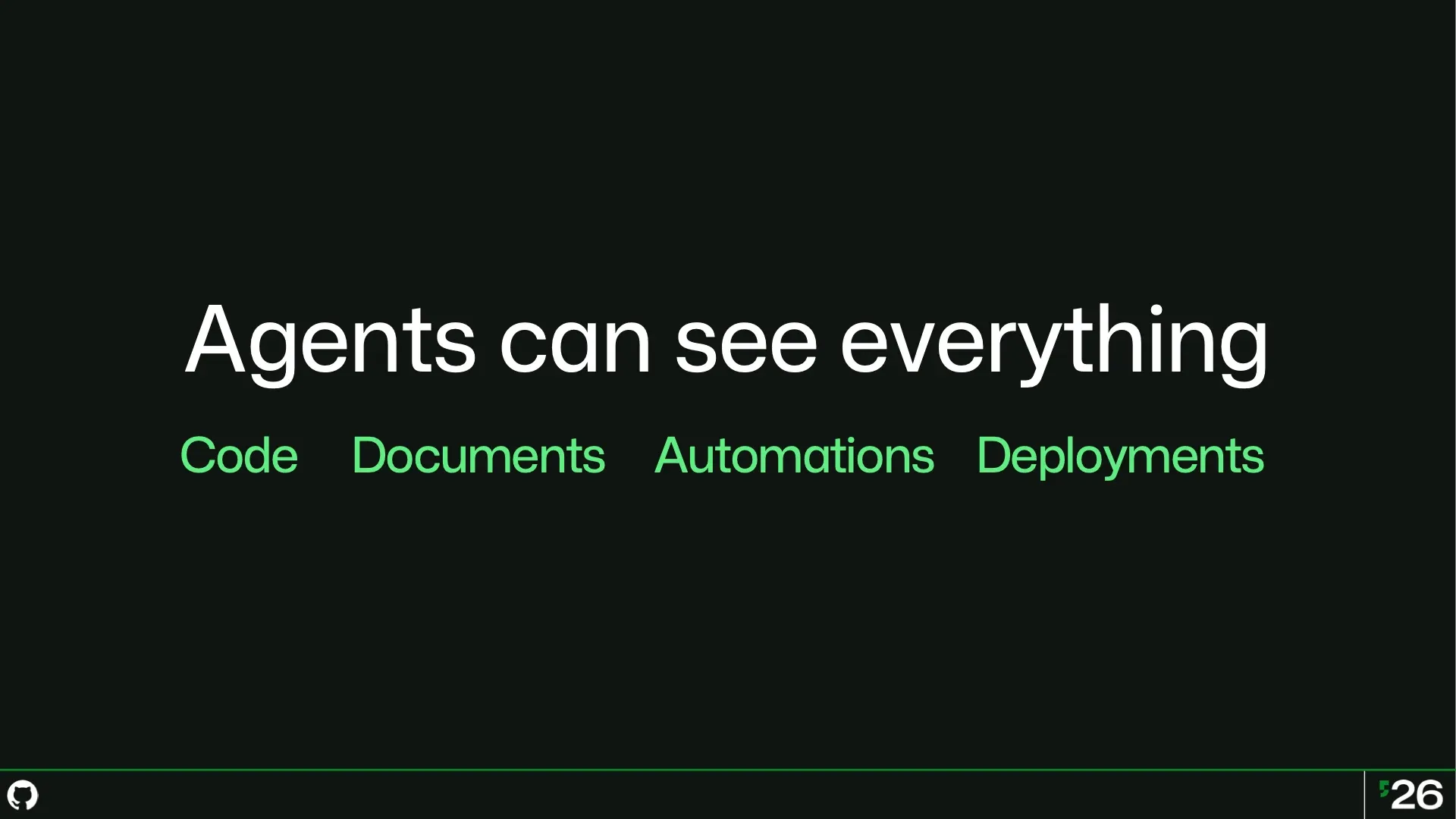
It’s almost enough for agents to see everything. With richer, more specific nouns, agents have an easier job understanding everything.
There’s a reason that statically typed languages have made a comeback in recent years: types are clues for agents about the meaning of a thing.
If agents are going to be everywhere in the software development lifecycle, we want them to understand us clearly without needing to spoon-feed them all the context, the prior art, the old decisions we reverted, and the new plans we made.
If we want to make both humans and agents successful, it’s going to be helpful to have that rich set of types instead of storing everything in a comment somewhere.
And maybe one day pieces of the concept car become an everyday part of GitHub, a part of Copilot, and a part of our lives as developers.
May you build lots of amazing things in this age of wonders.